


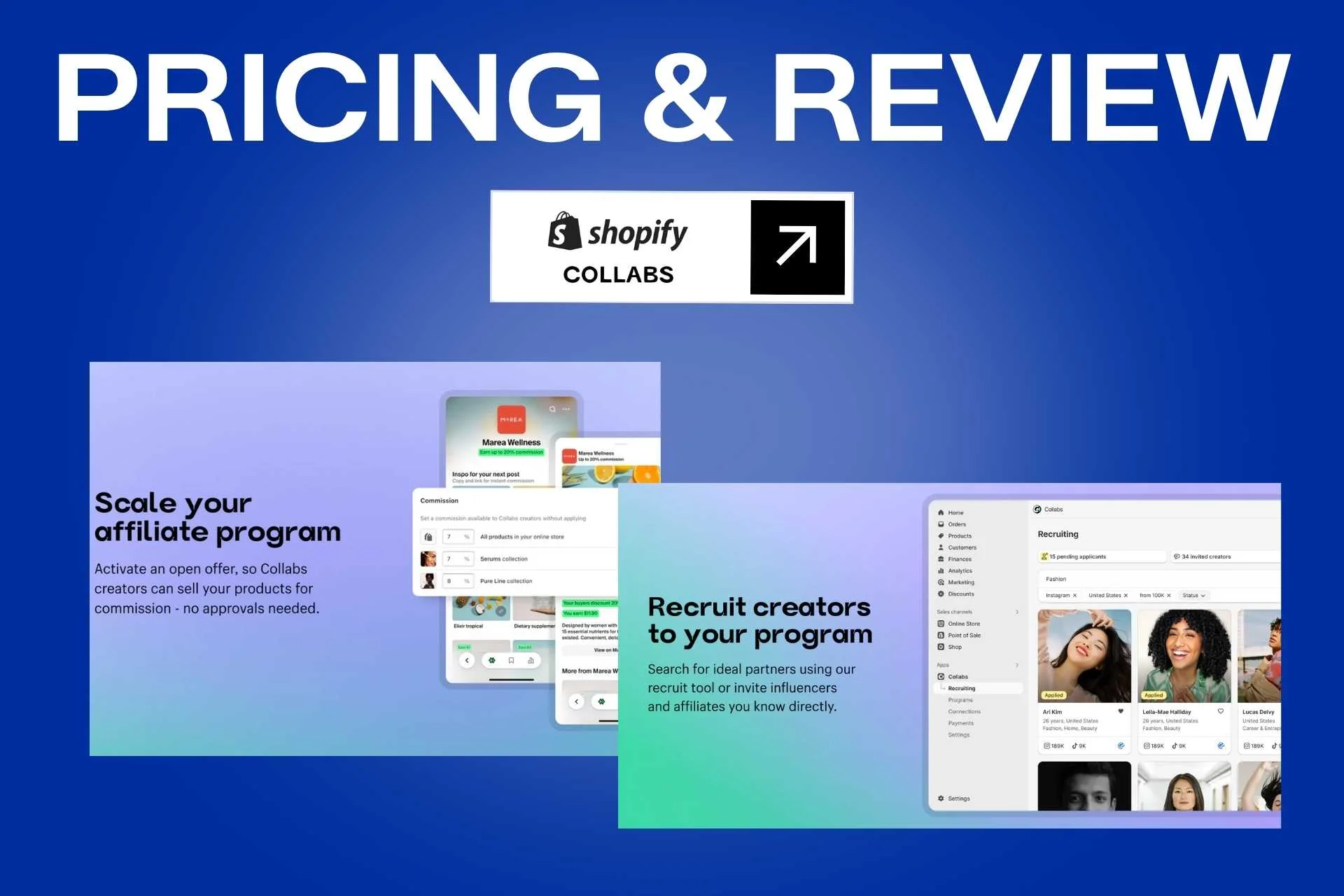
Shopify Collabs Pricing and Review: Features, Pros, Cons & Costs
Shopify Collabs is Shopify’s own creator partnership app, built to let merchants recruit creators, send gifts, issue affiliate links and codes, and pay commissions straight through their Shopify bill. Because it is free to install and sits natively in the admin, it has become the default first step for D2C brands starting a creator program rather than a considered choice against dedicated influencer marketing software.
That default status is worth examining. Collabs has real advantages that no third-party app can match on attribution and payout plumbing, and equally real constraints on eligibility, creator geography, and program depth. This review covers what Shopify Collabs actually costs, who is allowed to use it, where it holds up, and at what point brands start looking at Shopify Collabs alternatives.
Shopify Collabs Overview
Shopify Collabs is a creator and affiliate management app owned and operated by Shopify. Merchants use it to publish an application page, invite creators directly, approve partnerships, send free products, and generate personalised affiliate links and discount codes. Commission tracking and payouts run through Shopify’s own billing system rather than a separate processor.
Shopify positions Collabs around a creator network it describes as over a million profiles, which merchants can browse and recruit from. Creators can also apply to brands directly through an open access program, which lets merchants offer a standing commission rate to anyone in the network without individually approving each partnership.
The product is deliberately narrow. It handles recruitment, gifting, tracking, and payment well, and does almost nothing around outreach sequencing, creator CRM, content approval, or audience-quality analysis. It is the affiliate and gifting layer of a creator program, not the whole program.
Who Should Use Shopify Collabs
Shopify Collabs suits merchants who want to start a creator program with no software cost and no new billing relationship, and who fit inside its eligibility rules.
- Shopify merchants launching a first creator program who want tracking and payouts working before committing budget to software.
- Brands running gifting and product seeding that need shipments and commissions tied to store orders.
- US, Canada and UK focused brands, since creator eligibility is limited to those markets.
- Merchants who want payouts handled inside the Shopify bill rather than through a separate payment processor.
- Smaller teams that need a working affiliate program more than they need outreach automation or creator analytics.
- Brands testing creator marketing before deciding whether a paid platform is justified.
Key Features
Creator Discovery and Recruitment
Merchants can search Shopify’s creator network, filter for relevant profiles, and send direct invitations. A custom-branded application page also lets creators apply to the brand, so recruitment runs both inbound and outbound without leaving the Shopify admin.
Open Access Programs
Rather than approving every partnership individually, merchants can publish a standing commission offer that any eligible creator in the network can accept. This scales recruitment for brands that want volume and are comfortable with a fixed rate.
Gifting and Product Seeding
Free products can be sent to creators as Shopify orders, so gifts appear in normal order and inventory reporting. Shipment status is tracked in the same place as the partnership record, which removes the usual spreadsheet reconciliation between gifting and fulfilment.
Affiliate Links and Discount Codes
Each approved creator receives personalised tracking links and discount codes. Because these are generated inside Shopify, attribution is native rather than inferred, and code redemptions tie directly to the creator who owns them.
Automated Commission Payouts
Commissions are calculated automatically and charged to the merchant’s Shopify bill as a single line item, then paid out to creators by PayPal or bank transfer. Merchants avoid running a separate payout process or reconciling creator invoices manually.
Configurable Holding Period
A default 30-day holding period, adjustable between 1 and 90 days, sits between an order and the commission payment. Commissions on refunded orders are cancelled during that window, which protects margin on categories with high return rates.
Native Analytics
Performance reporting appears alongside the rest of Shopify’s analytics, with revenue, orders, and commission cost attributed per creator. There is no separate dashboard to reconcile against store data.
Tax and Compliance Support
Merchants can require W9 forms from US-based creators and access the records needed for 1099 reporting, which keeps a growing affiliate base manageable from a finance perspective.
Shopify Collabs Pricing
Shopify Collabs is free to install, with no monthly subscription for merchants or creators. The cost sits entirely in payment processing and in the commission rates you set yourself.
App Cost
- Free to install
- No monthly subscription fee for merchants
- No subscription fee for creators
- Requires an active Shopify plan
Commission Processing Fee
- 2.9% of every automatic commission payment
- Charged through the Shopify bill as a Shopify Collabs Commission line item
- On a $100 order at 10% commission, the fee is roughly 29 cents
- Currency conversion costs may apply where the bill and payout currencies differ
Merchant Eligibility
- At least $10,000 in sales over the previous 12 months
- An active store with a completed profile and at least one priced product
- Automatic payments configured
- Dropshipping stores are excluded
Creator Eligibility
- At least 1,000 followers on a single social platform
- Residency in the United States, Canada or the United Kingdom
- A completed and verified Collabs profile
- Creators may apply to a maximum of 10 brands per week
Shopify Collabs Reviews
- 4.0/5.0 (Shopify App Store, 378 reviews)
Integrations
The integration surface is deliberately narrow. Collabs is built to work inside Shopify rather than to connect outward, which is both its main strength and its clearest constraint.
- Shopify Admin – Native integration that manages creators, gifts, links, and codes without leaving the store back end.
- Shopify Billing – Commission charges appear as a single line item on your Shopify invoice, removing the need for a separate payment processor.
- Shopify Analytics – Creator-attributed revenue and orders report alongside the rest of your store data.
- PayPal – Pays creator commissions out automatically once the holding period closes.
- Bank Transfer – An alternative payout route for creators who prefer direct deposit over PayPal.
There is no native email or SMS integration, so recruitment sequencing and creator nurture have to happen in a separate tool.
Pros of Shopify Collabs
No Software Cost and Native Attribution
There is no subscription to justify, and because links and codes are issued by Shopify itself, attribution is not an estimate. For a brand testing whether creator marketing works at all, that combination removes both the financial and the measurement risk from the experiment.
Payouts and Gifting Run Through Existing Systems
Commissions arrive on the Shopify bill and gifts move as normal orders through existing fulfilment. Nothing new has to be reconciled, which is a meaningful operational saving for lean teams that would otherwise be matching creator invoices to store revenue by hand.
The Holding Period Protects Margin
An adjustable 1 to 90 day window before commissions are paid means refunded orders do not generate paid commissions. Categories with high return rates, particularly apparel, avoid paying out on revenue that never lands.
Cons of Shopify Collabs
Creator Eligibility Is Limited to Three Countries
Creators must be resident in the United States, Canada, or the United Kingdom. Brands selling into Europe, Australia, or Asia cannot recruit local creators through the network, which makes Collabs unworkable as the primary tool for an international program.
No Outreach, CRM, or Content Workflow
There is no email or SMS sequencing, no relationship history beyond the partnership record, and no content approval or usage-rights management. Teams running an active program end up managing outreach and creator relationships in separate tools, which reintroduces the fragmentation the app was meant to remove.
Reporting Stops at Revenue and Orders
Analytics cover what a creator sold, not who their audience is or whether their engagement is real. There is no audience-quality data, no fake-follower detection, and no benchmarking, so vetting has to be done manually or elsewhere.
Merchant Eligibility Rules Exclude Newer Stores
The $10,000 trailing-twelve-month sales requirement locks out newer brands, and dropshipping stores are excluded outright. The brands most likely to want a free creator tool are often the ones that do not yet qualify for it.


Is Shopify Collabs Worth It?
For a Shopify merchant starting a creator program, Collabs is close to an obvious yes. It costs nothing to install, attribution is native, payouts and gifting run through systems you already operate, and the 2.9% processing fee is far below what any subscription platform costs at low volume. The 4.0/5.0 rating across 378 reviews reflects a product that does its narrow job reliably.
The limits appear as the program matures. Creator recruitment is capped to three countries, there is no outreach automation or creator CRM, and reporting cannot tell you whether a creator’s audience is worth paying for. Brands running an active program typically end up with Collabs handling payments while the actual work of finding, contacting, and managing creators happens in a second tool. At that point the free app is no longer free, it is just a line item in a larger stack.
If Shopify Collabs does not cover enough of your program, these alternatives may fit better:
- Influencer Hero – Best for D2C brands that need creator discovery, audience-quality data, automated outreach, influencer CRM, affiliate tracking, and campaign reporting in a single platform rather than split across Collabs plus two other tools. Pricing is publicly listed at $649/month for Standard, $1,049/month for Pro, and $2,490/month for Business.
- Afluencer – A good fit for brands whose real constraint is creator supply rather than infrastructure, and who are locked out of the Collabs network by geography or eligibility. It runs as a marketplace where creators apply to campaign listings, starting at $49/month.
- Social Snowball – Strong for Shopify brands focused on referrals and coupon-code integrity, with single-use codes that stop discount leakage.
- GRIN – Suited to established brands that need deep creator relationship management and product seeding workflows at scale.
- Refersion – Worth reviewing for brands that want a dedicated affiliate platform with support beyond Shopify.
Final Thoughts
Shopify Collabs is the right starting point for most Shopify merchants running creator marketing for the first time, and it remains a sensible payments and attribution layer long after that. Where it runs out of room is on creator supply outside three countries, on outreach and relationship management, and on any question about audience quality. Brands hitting those limits are usually not replacing Collabs so much as adding what it was never built to do, and it is worth reviewing the best Shopify Collabs alternatives before deciding whether to layer a second tool on top or consolidate into one.

.png)


.jpg)