

.jpg)
10 Best Software Tools for Paid Social
For most D2C brands paid social is the number 1 customer acquisition channel and core growth engine. According to the latest Interactive Advertising Bureau / PwC Internet Advertising Revenue Report, U.S. digital advertising reached $258.6B in 2024 (+14.9% YoY), with social media advertising alone accounting for $88.8B (+36.7% YoY) — one of the fastest-growing segments as brands shift budgets toward performance-driven, creator-led, and AI-supported campaigns.
For D2C merchants, founders, CMOs, and growth teams, this means one thing: the competitive edge is no longer just media buying skill — it’s your software stack. The right paid social tools help you automate execution, test creative faster, improve attribution accuracy, and scale profitable acquisition across platforms like Meta Platforms, TikTok, and YouTube.
Best Software Tools for Paid Social
In this article, we’ll explore the software solutions most commonly used by $5M–$100M D2C brands and the agencies managing paid social at scale.
| TOOL | REVIEWS | BEST FOR | TRIAL INFO | PRICING | ||
|---|---|---|---|---|---|---|
1 |

|
⭐ | Enterprise ad automation | Book Demo | Pricing | Website |
2 |

|
⭐ | Ecommerce marketing analytics | Book Demo | Pricing | Website |
3 |

|
⭐ | Marketing attribution | Book Demo | Pricing | Website |
4 |

|
⭐ | Ad automation | Book Demo | Pricing | Website |
5 |

|
⭐ | Creative performance analytics | Book Demo | Pricing | Website |
6 |

|
⭐ | Ad creative inspiration | Book Demo | Pricing | Website |
7 |

|
⭐ | AI ad optimization | Book Demo | Pricing | Website |
8 |

|
⭐ | Ad creative design | Book Demo | Pricing | Website |
9 |

|
⭐ | Product feed management | Book Demo | Pricing | Website |
10 |

|
⭐ | AI ad creatives | Book Demo | Pricing | Website |
1. Smartly.io
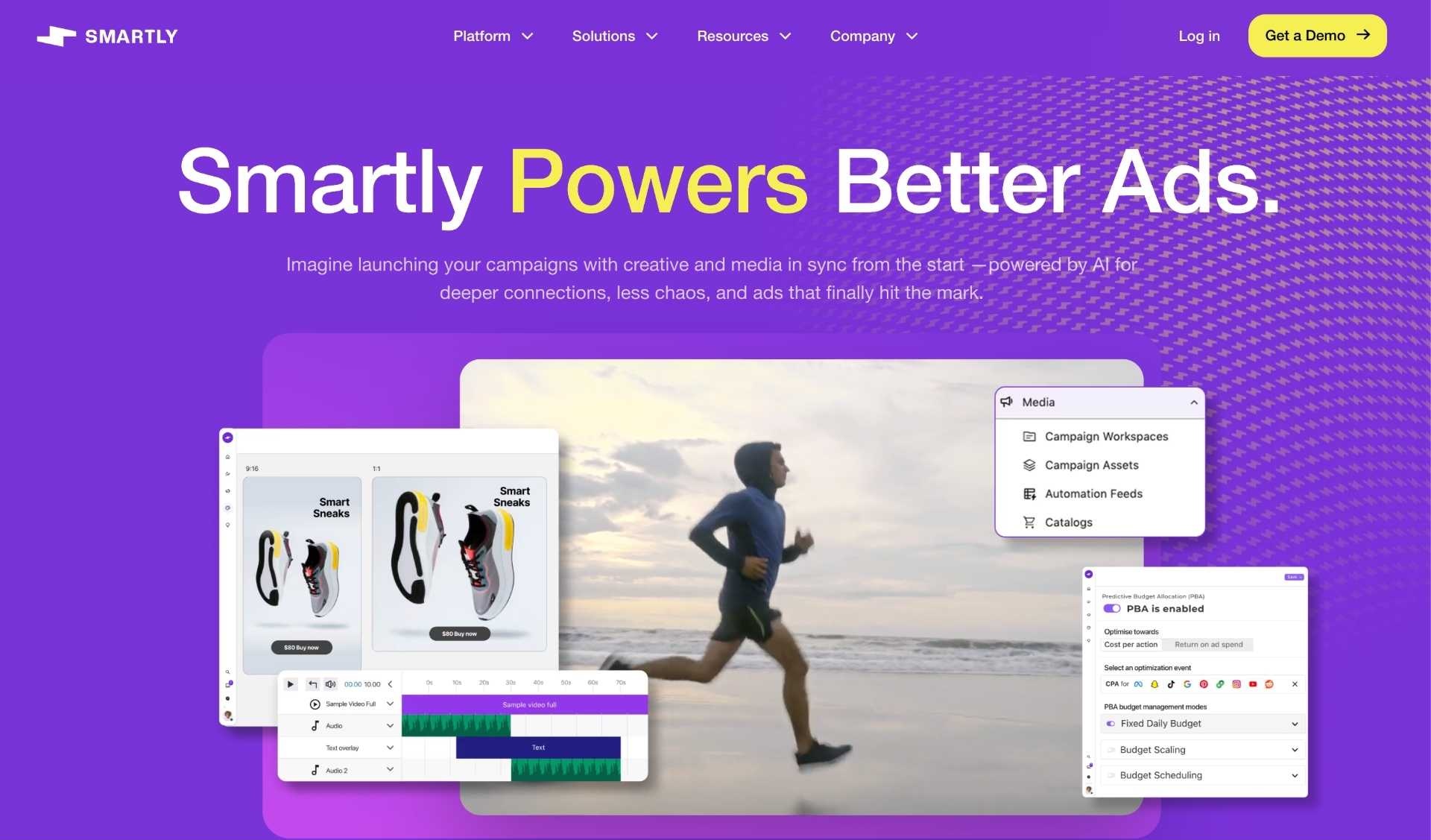
Smartly.io is an enterprise paid social platform that centralizes creative production + campaign management + automation so teams can launch and update large volumes of Meta/TikTok ads using templates, feeds, and rules. It’s typically used when you need bulk operations (localization, personalization, catalog-style updates) beyond what Ads Manager can comfortably handle.
Key features:
- Creative automation & templates: Build ads from modular templates so you can produce and refresh variants at scale without rebuilding manually.
- Bulk campaign creation: Launch many campaigns/ad sets/ads at once using standardized structures and repeatable workflows.
- Feed-based ad updates: Update prices/images/products in bulk via feeds instead of duplicating ads.
- Collaboration & governance: Built for teams (creative + media + data) with workflow controls and support.
Pros:
- Huge time saver for high-volume testing and always-on refresh cycles.
- Strong for localization/personalization workflows that would be painful in native platforms.
- Often viewed as a category leader for automation at scale by practitioners.
Cons:
- Cost can be a blocker for smaller spenders; many users describe a meaningful minimum + spend-based fee.
- Setup + learning curve (worth it at scale, less so for “simple” accounts).
Pricing:
Smartly.io pricing is typically contract-based and often described as % of media spend (with minimum monthly fees) rather than transparent self-serve pricing.
Reviews:
4.4/5.0 stars — G2 (468 reviews)
2. Triple Whale

Triple Whale is an ecommerce analytics + attribution platform that connects your store (e.g., Shopify) and paid channels to create a centralized view of performance and “blended” outcomes, helping teams decide what to scale.
Key features:
- Multi-channel dashboards: Unifies performance views across paid channels so you can monitor spend, revenue, and efficiency in one place.
- Attribution views: Offers models beyond platform-reported attribution to better understand paths to purchase.
- Integrations: Connects common D2C stack tools and ad platforms for consolidated reporting.
- Multi-shop support: Useful for operators managing multiple storefronts/brands.
Pros:
- Strong for executive-level visibility (Founder/CMO “what’s working?” dashboards).
- Helps reduce day-to-day reporting chaos across multiple channels.
Cons:
- Forum feedback often notes attribution tools still depend heavily on tracking inputs (pixels/events), so “truth” can be debated.
- Pricing can feel high for smaller brands (and some users question ROI if you’re not operating at scale).
Pricing:
Triple Whale offers multiple tiers including a $0 plan and paid plans that scale; the vendor advertises pricing with tiering (e.g., based on GMV bands) and promotions like “months free” for annual.
Reviews:
4.5/5.0 stars — G2 (478 reviews)
3. Northbeam

Northbeam is a marketing measurement platform focused on multi-touch attribution (and enterprise-grade analysis) so D2C teams can understand which channels and campaigns are actually driving profitable customer acquisition beyond platform reporting.
Key features:
- Multi-touch attribution (MTA): Tracks and assigns credit across touchpoints to help you scale what’s truly working.
- Cross-channel analysis: Helps compare performance across platforms in one measurement framework.
- Enterprise plan options: Built for teams spending heavily across channels (Northbeam positions Enterprise for higher spenders).
- Reporting for decision-making: Users highlight clarity for scaling profitable mediums at meaningful spend levels.
Pros:
- Designed for brands where attribution accuracy materially changes budget decisions.
- Positive user commentary about helping teams decide what to scale once spend is significant.
Cons:
- Can be complex to implement and operate (common theme in reviews).
- Pricing is typically not “SMB-friendly” when you move beyond entry tiers.
Pricing:
Northbeam pricing is commonly positioned around paid tiers; G2 lists plans such as Starter MTA ($1,000) and Professional MTA ($2,500) (as listed on G2), while the vendor also promotes an Enterprise tier for higher spenders.
Reviews:
- 4.5/5.0 stars — G2 (16 reviews)
4. Revealbot (now Bïrch)
Bïrch (ex. Revealbot) is a rules-based automation tool for paid social that lets you create trigger → condition → action workflows (e.g., scale budget, pause ads, notify the team) to reduce manual campaign management.
Key features:
- Automation rules: Automatically pause/scale/adjust based on KPIs you define.
- Alerts & monitoring: Get notified when metrics cross thresholds so you react faster.
- Multi-account workflows: Useful for agencies managing multiple ad accounts with standardized rules.
- Scheduling & routine ops: Automate repetitive tasks (boosting, pausing, budget pacing).
Pros:
- Big efficiency gains for teams running frequent tests and needing guardrails.
- Strong user sentiment around “ease of use” for automation.
Cons:
- Rule setup can get tedious/complex as workflows grow.
- Needs ongoing maintenance as platforms change features/policies.
Pricing:
Bïrch offers tiered monthly pricing (often tied to ad spend bands) and a 14-day free trial (as advertised by Bïrch).
Reviews:
- 4.6/5.0 stars — G2 (19 reviews)
5. Motion (Creative Analytics)
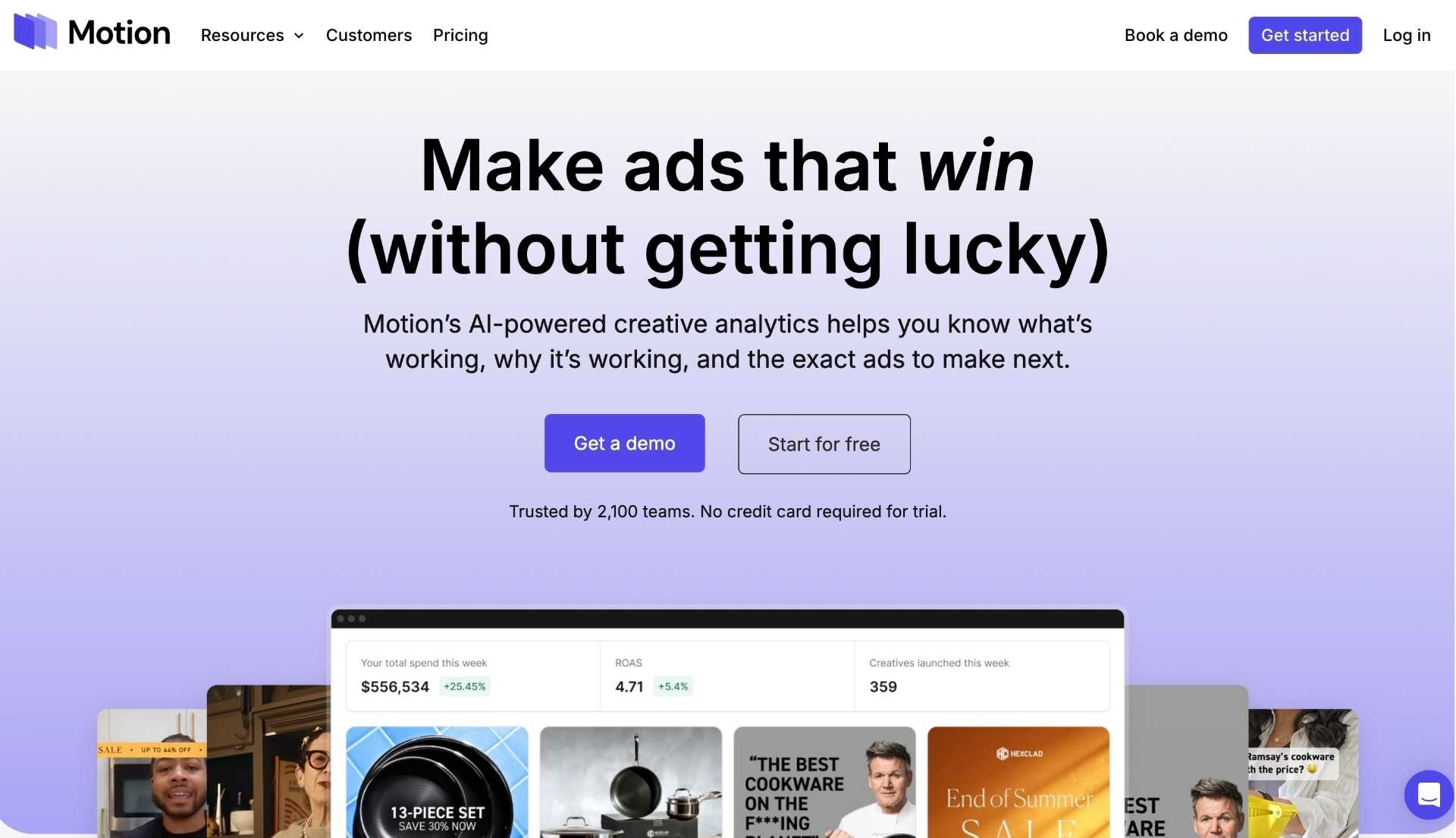
Motion is a creative analytics platform that pulls your paid social ads and performance data into one place so you can see what creative is working, why, and what to make next—faster than manually digging through Ads Manager exports.
Key features:
- Creative performance library: View ads with metrics and creative previews side-by-side for faster decisions.
- Tagging & grouping: Organize creatives by themes (hooks, formats, products) to find patterns.
- Shareable reports: Quickly produce reporting views for stakeholders and agencies.
- Integrations: Connects to key ad platforms and analytics tools (as listed by G2).
Pros:
- Speeds up the “creative feedback loop” (what to iterate next).
- Helps align creative + media teams with visual, performance-backed insights.
Cons:
- Users mention integration limitations and occasional performance/data issues.
- Still requires good internal creative strategy to act on insights (tool won’t replace strategy).
Pricing:
Motion publishes plan pricing (example: Starter $250/mo for smaller brands spending up to a stated monthly ad spend threshold) with higher tiers for more scale.
Reviews:
4.5/5.0 stars — G2 (111 reviews)


6. Foreplay

Foreplay is a creative research and collaboration workflow that lets teams save, organize, analyze, and share winning ads so you can build better briefs and iterate creatives faster.
Key features:
- Ad library + saving workflow: Collect ads for inspiration and organize them by brand/campaign/theme.
- Collaboration & commenting: Keep feedback and learnings in one place for creative and media teams.
- Competitive research: Systematize what top brands are running so you can spot patterns faster.
- Flexible pricing model: Promotes no spend-based variable pricing (positioning) and offers a short free trial.
Pros:
- Excellent for increasing creative velocity and improving briefs.
- Very strong review sentiment and high ratings on G2.
Cons:
- Some users say it’s “pricey” versus simpler swipe-file tools.
- Like any library tool, value depends on team adoption and consistent use.
Pricing:
Foreplay advertises monthly or annual pricing with a 7-day free trial and “no contracts” positioning.
Reviews:
- 4.8/5.0 stars — G2 (119 reviews)
7. Madgicx

Madgicx is a Meta-focused ad management platform that layers AI insights and automation on top of Ads Manager to help teams plan, optimize, and report across accounts—especially useful for agencies and D2C teams running constant tests.
Key features:
- AI recommendations (“what to do next”): Audits performance and suggests scaling/pausing/testing actions.
- Automation & rules: Standardize account management and reduce manual optimizations.
- Creative insights: Helps analyze creative performance patterns to guide iteration.
- Agency-friendly reporting: Consolidated views and client reporting workflows.
Pros:
- Strong fit for teams living primarily in Meta and needing structure + speed.
- High G2 rating with substantial review volume.
Cons:
- Learning curve and complexity (common theme in reviews).
- As with any “automation” layer, you still need guardrails and QA to avoid bad changes at scale.
Pricing:
Madgicx promotes a 7-day free trial, and G2 lists pricing such as Madgicx Pro starting at $99/month (with plans/tier details beyond that).
Reviews:
- 4.6/5.0 stars — G2 (196 reviews)
8. Canva
Canva is a design platform used by paid social teams to quickly produce and iterate ad creatives (static, video, variations) without needing full-time designers for every change.
Key features:
- Templates & brand kits: Speed up production while staying consistent with brand guidelines.
- Collaboration: Teams can comment, edit, and share assets without file chaos.
- AI-assisted features: Canva includes AI capabilities (as part of modern plan positioning) for faster creation.
- Multi-format exports: Easily adapt creative for Stories, Reels, TikTok ratios, etc.
Pros:
- Best-in-class for creative velocity—the #1 lever in paid social right now.
- Extremely strong user adoption and reviews.
Cons:
- Advanced controls often require paid tiers; not a full replacement for pro creative suites for complex work.
- Asset QA is still needed (export settings, compression, naming conventions).
Pricing:
Canva offers tiered plans (Free, Pro, Teams, Enterprise) and promotes a free trial for Pro (commonly referenced as 30 days).
Reviews:
- 4.7/5.0 stars — G2 (6,800+ reviews)
9. Feedonomics

Feedonomics is a feed management platform that cleans, enriches, and optimizes product catalog data so your Shopping, catalog, and marketplace ads (including paid social catalog formats) run with fewer errors and better segmentation.
Key features:
- Feed optimization & rules: Transform product data (titles, attributes, categories) to improve channel compatibility and performance.
- Multi-channel distribution: Push optimized feeds to multiple marketing/sales channels.
- Support & managed services: Reviews often highlight responsive support as a differentiator.
- Complex catalog handling: Designed for large catalogs and complex logic.
Pros:
- Big unlock for scaling catalog-driven ads without constant disapprovals/feed fires.
- Strong reputation for support and “heavy lifting” on complex feeds.
Cons:
- Can have a learning curve for new users and complex feed logic.
- Pricing is not typically “self-serve simple” (often custom / contact sales).
Pricing:
Feedonomics pricing is generally custom / contact-based (common for enterprise feed platforms) rather than simple public tiers, with costs influenced by catalog complexity/scale (as commonly discussed across pricing references).
Reviews:
4.4/5.0 stars — G2 (376 reviews)
10. AdCreative.ai
AdCreative.ai generates ad creatives using AI and lets marketers produce many variations quickly, supporting high-volume creative testing without waiting on manual design cycles.
Key features:
- AI creative generation: Produce multiple conversion-focused creative options from prompts/assets.
- Variant scaling: Increase test velocity by creating many versions fast (hooks, layouts, styles).
- Subscription plans for different needs: Multiple tiers for individuals to teams.
- Trial availability: Offers a short free trial to evaluate fit.
Pros:
- Dramatically increases creative output speed (helpful for Meta/TikTok iteration cycles).
- Large review volume indicates widespread adoption.
Cons:
- AI output still needs brand/design QA (and performance testing) to avoid “generic” ads.
- Some users dislike subscription/trial rollover mechanics if not managed carefully.
Pricing:
G2 lists plans ranging from $39 to $599/month, with annual packages advertised as offering a significant discount; a free trial is available (commonly referenced as 7 days).
Reviews:
- 4.3/5.0 stars — G2 (792 reviews)
Final thoughts on the best software tools for paid social
Paid social success today is driven less by manual media buying and more by the software stack behind it. The tools covered in this article help D2C brands automate workflows, improve attribution accuracy, and scale creative testing - the three key pillars of modern performance marketing.
For brands in the $5M–$100M range, the winning approach is combining automation, clear data, and fast creative iteration. Ultimately, the right paid social tools allow teams to move faster, make smarter decisions, and scale profitably.

.png)