

10 Best Social Media Management Software for D2C Brands
Social media is now one of the most important growth channels for physical-product ecommerce brands, with more than 5.66 billion active social media user identities globally — representing 68.7% of the world’s population (DataReportal, 2026).
As D2C brands, platforms like Instagram, TikTok, Facebook, and YouTube demand structured publishing, community management, and performance tracking — making social media management software a core part of modern ecommerce operations. In this guide, we explore the leading tools that help founders and marketing teams streamline content workflows, collaborate internally, and turn organic social into a consistent revenue driver.
Best Social Media Management Software
| TOOL | REVIEWS | BEST FOR | TRIAL INFO | PRICING | ||
|---|---|---|---|---|---|---|
1 |
|
⭐ | Enterprise social media management and analytics | Book Demo | Pricing | Website |
2 |

|
⭐ | All-in-one social media scheduling | Book Demo | Pricing | Website |
3 |
|
⭐ | Social inbox management, engagement, and reporting | Book Demo | Pricing | Website |
4 |

|
⭐ | Social media & influencer campaigns | Book Demo | Pricing | Website |
5 |

|
⭐ | Affordable scheduling and management for small teams and agencies | Book Demo | Pricing | Website |
6 |

|
⭐ | Content planning, collaboration, and approval workflows | Book Demo | Pricing | Website |
7 |

|
⭐ | Agencies managing multiple client accounts | Book Demo | Pricing | Website |
8 |
|
⭐ | Simple scheduling and publishing for individuals and small teams | Book Demo | Pricing | Website |
9 |

|
⭐ | CRM-integrated social media management | Book Demo | Pricing | Website |
10 |

|
⭐ | Performance analytics, ad tracking, and cross-platform reporting | Book Demo | Pricing | Website |
1. Sprout Social

Sprout Social is an all-in-one platform for scheduling, inbox management (comments/DMs), analytics, and social listening across major networks. It’s built for teams that need approvals, governance, and reporting that’s easy to share with leadership.
Key features
- Publishing & content calendar — Plan, schedule, and organize posts across networks in one calendar.
- Smart Inbox — Centralize messages and assign conversations to teammates for faster response.
- Reporting & dashboards — Turn channel performance into shareable reports for weekly/monthly reviews.
- Social listening — Track keywords and brand mentions to spot trends and issues earlier.
- Team workflows — Approvals, roles, and permissions for multi-person teams.
Pros
- Strongest mix of reporting + inbox + workflow for mid-market D2C teams.
- Great for brands that need structure across multiple stakeholders (marketing + CX + leadership).
- Mature feature set that scales well.
Cons
- Pricing is steep for larger teams (per-seat adds up).
- Can feel “too much tool” if you only need scheduling.
Integrations
- Salesforce — Sync social conversations with CRM/customer context to support service workflows.
- Zendesk — Route social support issues into helpdesk ticketing processes.
- Slack — Push notifications/alerts to Slack so teams can respond quickly.
- Influencer Hero - Push UGC from influencers into social media content library to be re-used for organic social
- HubSpot — Connect customer context and follow-ups to social engagement workflows.
- Shopify — Tie social efforts closer to ecommerce operations and commerce use cases.
Pricing
Starts at $199 per seat/month (high benchmark vs most schedulers), and offers a 30-day free trial.
Reviews
4.4/5.0 on G2
2. Hootsuite
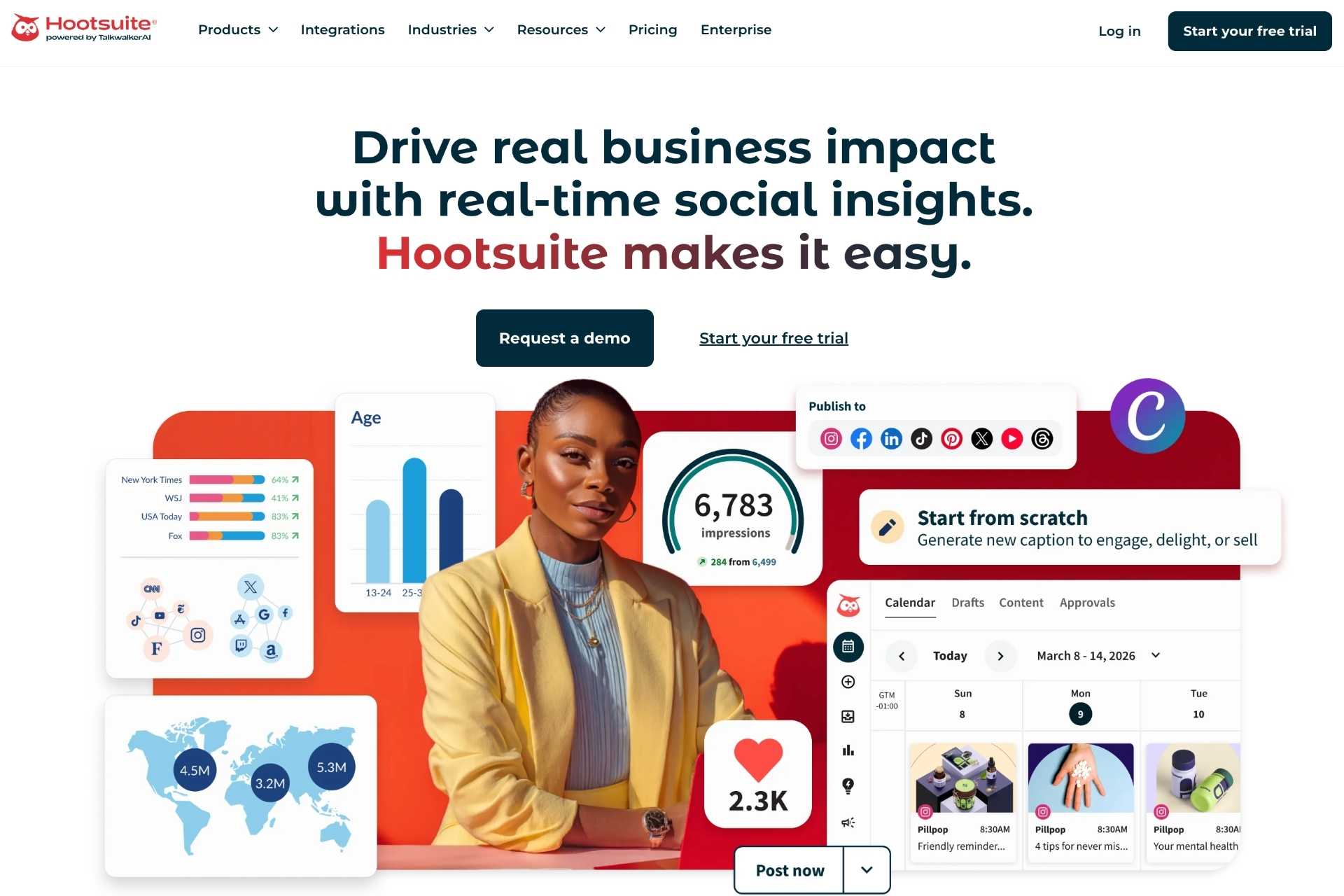
Hootsuite centralizes multi-channel publishing, scheduling, engagement monitoring, and reporting in one dashboard. It’s commonly used by teams managing multiple brands/regions that want one system for planning, approvals, and day-to-day execution.
Key features
- Scheduling & publishing — Plan and publish across multiple channels at scale.
- Unified inbox — Manage messages from different channels in one place.
- Analytics — Reporting across channels to evaluate content performance.
- Listening/monitoring — Track mentions and keywords to stay on top of conversations.
- Team permissions — Approvals and roles for structured collaboration.
Pros
- Strong multi-channel operations hub for larger teams.
- Reliable for high-volume scheduling and oversight.
- Broad ecosystem and enterprise readiness.
Cons
- Can feel “heavy” compared to simpler D2C-first schedulers.
- Cost is a frequent objection for smaller teams.
Integrations
- Canva — Create designs and move assets into your scheduled posts faster.
- Adobe Express — Build creatives/templates and streamline content production.
- Slack — Route alerts and collaboration into your team’s comms channel.
- Zendesk — Connect support workflows so issues from social can be handled as tickets.
- Influencer Hero - Push UGC from influencers into social media content library to be re-used for organic social
- Salesforce — Provide CRM context around social conversations and customers.
Pricing
$199/user/month (Standard) and $399/user/month (Advanced), with a free trial available (high benchmark). Hootsuite’s Standard plan page also mentions a 30-day free trial.
Reviews
4.3/5.0 on G2
3. Agorapulse

Agorapulse combines scheduling, a unified social inbox, and reporting in one platform, with workflows suited to teams that want structure without going fully enterprise. It’s a strong fit for D2C brands that care about response management and consistent reporting.
Key features
- Unified inbox — Organize and assign messages/comments across channels.
- Publishing & calendar — Schedule content with team workflows and approvals.
- Reporting — Generate channel performance reporting for stakeholders.
- Monitoring — Track mentions and activity to protect brand reputation.
- Team collaboration — Permissions and review flows for multi-person teams.
Pros
- Great balance of inbox + publishing + reporting for the price tier.
- User-friendly compared to heavier enterprise suites.
- Often praised for support and day-to-day usability.
Cons
- Per-user pricing can climb as the team grows.
- Some advanced “enterprise” capabilities may require higher tiers.
Integrations
- Slack — Send assignments/alerts to Slack to speed up response loops.
- Influencer Hero - Push UGC from influencers into social media content library to be re-used for organic social
- HubSpot — Align social engagement with CRM follow-ups.
- Salesforce — Connect social conversations with CRM records for service/sales context.
- Canva — Streamline creative-to-scheduling workflows.
- Zapier — Automate workflows to/from thousands of apps (handoffs, alerts, logging).
Pricing
$79/user/month billed annually (Standard) and $99/user/month billed monthly, with a 30-day free trial (mid–high benchmark).
Reviews
4.5/5.0 on G2
4. Later
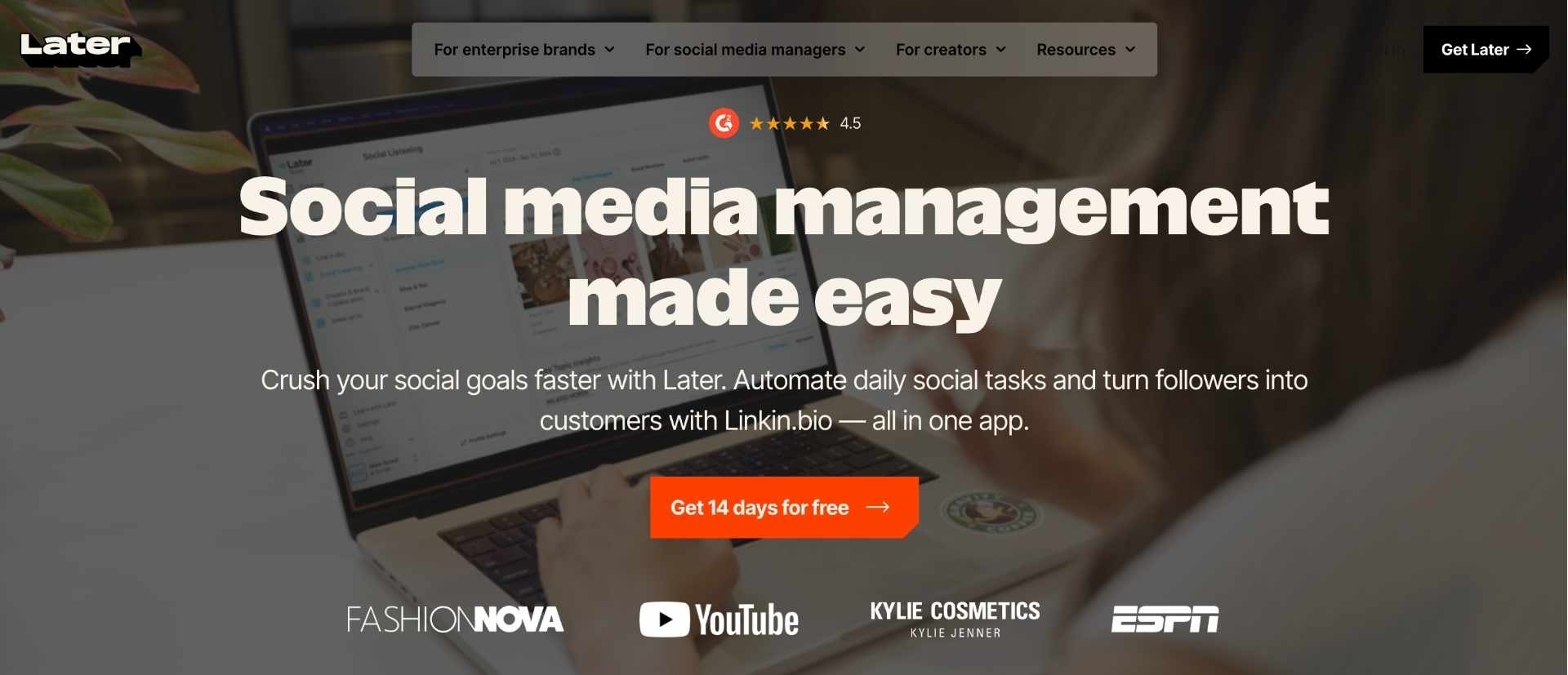
Later is a visual-first scheduler that’s especially popular with ecommerce brands that run heavily on Instagram/TikTok-style content. It helps teams plan content calendars, schedule posts, and manage assets with an interface built for creative workflows.
Key features
- Visual planner — Drag-and-drop calendar that mirrors how creative teams plan campaigns.
- Multi-platform scheduling — Schedule across major social channels from one place.
- Media library — Organize assets to speed up production.
- Analytics — Track performance to refine content strategy over time.
- Link-in-bio style commerce flows — Support shoppable paths from social to product pages.
Pros
- Excellent for visual merchandising and content planning.
- Fast to adopt for lean teams producing lots of short-form content.
- Strong fit for D2C brands with high creative velocity.
Cons
- Analytics depth is lighter than enterprise suites.
- Some post types can have platform-dependent publishing limits.
Integrations
- Shopify — Connect ecommerce and creator/commerce workflows to support selling from social.
- Instagram — Schedule and manage IG publishing workflows.
- TikTok — Plan and schedule TikTok alongside other channels.
- Pinterest — Schedule Pins and manage discovery-driven content.
- YouTube — Plan/schedule Shorts alongside your broader content calendar.
Pricing
Starter plan at $25/month and a 14-day free trial (low–mid benchmark).
Reviews
4.5/5.0 on G2
5. SocialPilot
SocialPilot is a scheduling-first platform aimed at brands that want solid publishing, collaboration, and basic reporting without enterprise pricing. It’s commonly chosen when teams need reliable scheduling at scale and good value.
Key features
- Scheduling & publishing — Manage posting across channels from one dashboard.
- Bulk scheduling — Speed up high-volume calendars and recurring campaigns.
- Team collaboration — Roles and approvals for multi-user workflows.
- Analytics — Track post and profile performance for optimization.
- Content management — Keep drafts and assets organized for production.
Pros
- Strong value for money for D2C teams scaling output.
- Good for operationally simple scheduling needs.
- Often praised for ease of use.
Cons
- Reporting customization is lighter than premium suites.
- Not as strong for advanced listening/enterprise governance.
Integrations
- Canva — Create assets and move them into scheduled posts faster.
- Bitly — Use trackable links to measure clicks more cleanly.
- Slack — Send alerts/updates into Slack for team coordination.
- Google Drive — Pull creative assets from shared folders for publishing workflows.
- Zapier — Automate handoffs (alerts, logging, workflows) between apps.
Pricing
Plans start at $30/month and include a 14-day free trial (low benchmark).
Reviews
4.5/5.0 on G2


6. Loomly
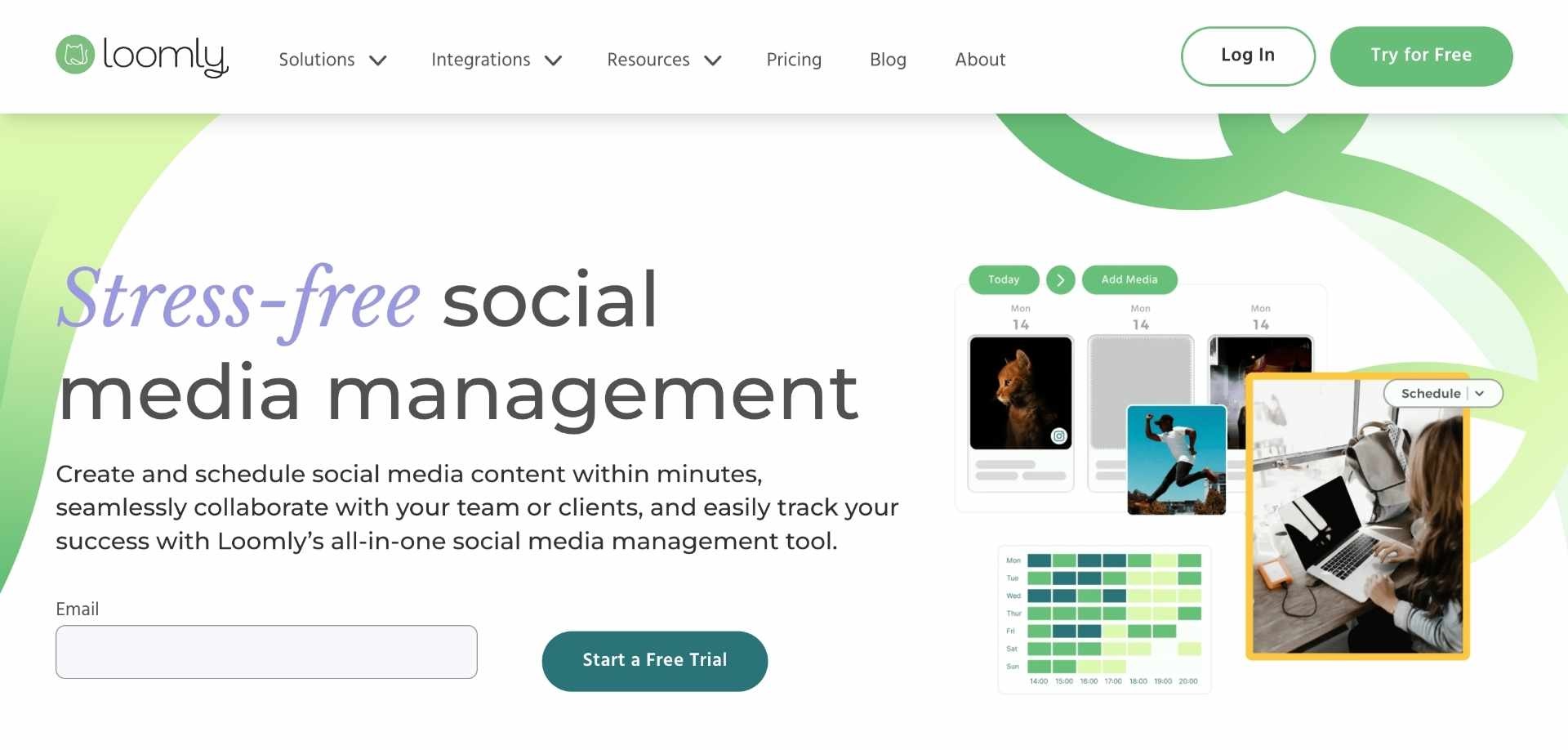
Loomly is a social media management platform built around planning, approvals, and publishing, with a workflow that helps D2C teams move from idea → draft → approval → scheduled post. It’s especially useful when you have multiple stakeholders reviewing creative before it goes live.
Key features
- Content calendar & scheduling — Plan and schedule posts across channels with a structured calendar workflow.
- Approvals & roles — Set up review/approval steps so content doesn’t publish without sign-off.
- Post optimization hints — Prompts/checklists to reduce errors and improve consistency across channels.
- Asset management — Keep media organized for faster campaign production.
- Duplicate & template workflows — Reuse post formats and speed up recurring content types.
Pros
- Strong for content ops + approvals (great fit for fast-moving ecommerce teams).
- Clean, structured workflow that reduces “last-minute posting chaos.”
- Often chosen as a simpler alternative to heavier enterprise suites.
Cons
- Reporting depth is typically lighter than enterprise tools.
- Some teams find it more “publishing-first” than “community/inbox-first.”
Integrations
- Canva — Create/edit designs and use them directly in your publishing workflow.
- Adobe Express — Speed up creative production with templates for social posts.
- Slack — Share alerts/approvals internally so posts move faster through review.
- Zapier — Automate workflows (e.g., send approved posts to a sheet, trigger notifications, create tasks).
- Google Drive — Keep assets centralized and accessible for your content pipeline.
Pricing
Plans starting at $199 per month (high benchmark vs most schedulers) and free trial is available.
Reviews
4.6/5.0 on G2
7. Sendible

Sendible is a social media management platform that combines scheduling, engagement tools, and reporting in one place, with workflows that work well for teams managing multiple channels and content streams. It’s commonly used when you need reliable publishing plus coordination across stakeholders.
Key features
- Scheduling & queues — Plan and publish content consistently across channels.
- Engagement management — Centralize messages so teams can respond faster.
- Reporting — Generate performance reports for internal reviews and decision-making.
- Collaboration — Permissions and workflows for team-based publishing.
- Content organization — Manage drafts and assets to streamline production.
Pros
- Strong “all-rounder” for publishing + coordination.
- Built for operational consistency (helpful for scaling D2C content output).
- Good balance of features without going fully enterprise.
Cons
- Some teams prefer more advanced analytics/listening in higher-end platforms.
- Complexity can rise as you add more profiles/workspaces.
Integrations
- Canva — Produce creatives faster and attach them directly to scheduled posts.
- Google Analytics — Track traffic performance from social via campaign tagging workflows.
- Slack — Keep the team aligned on approvals, publishing, and engagement.
- Zapier — Automate handoffs (e.g., approvals → tasks, alerts, logs, reporting workflows).
- Google Drive — Store and pull assets from shared folders for production.
Pricing
Pricing from $25/month to $255/month, and free trial is available (low–mid benchmark depending on plan)
Reviews
4.5/5.0 on G2
8. Buffer
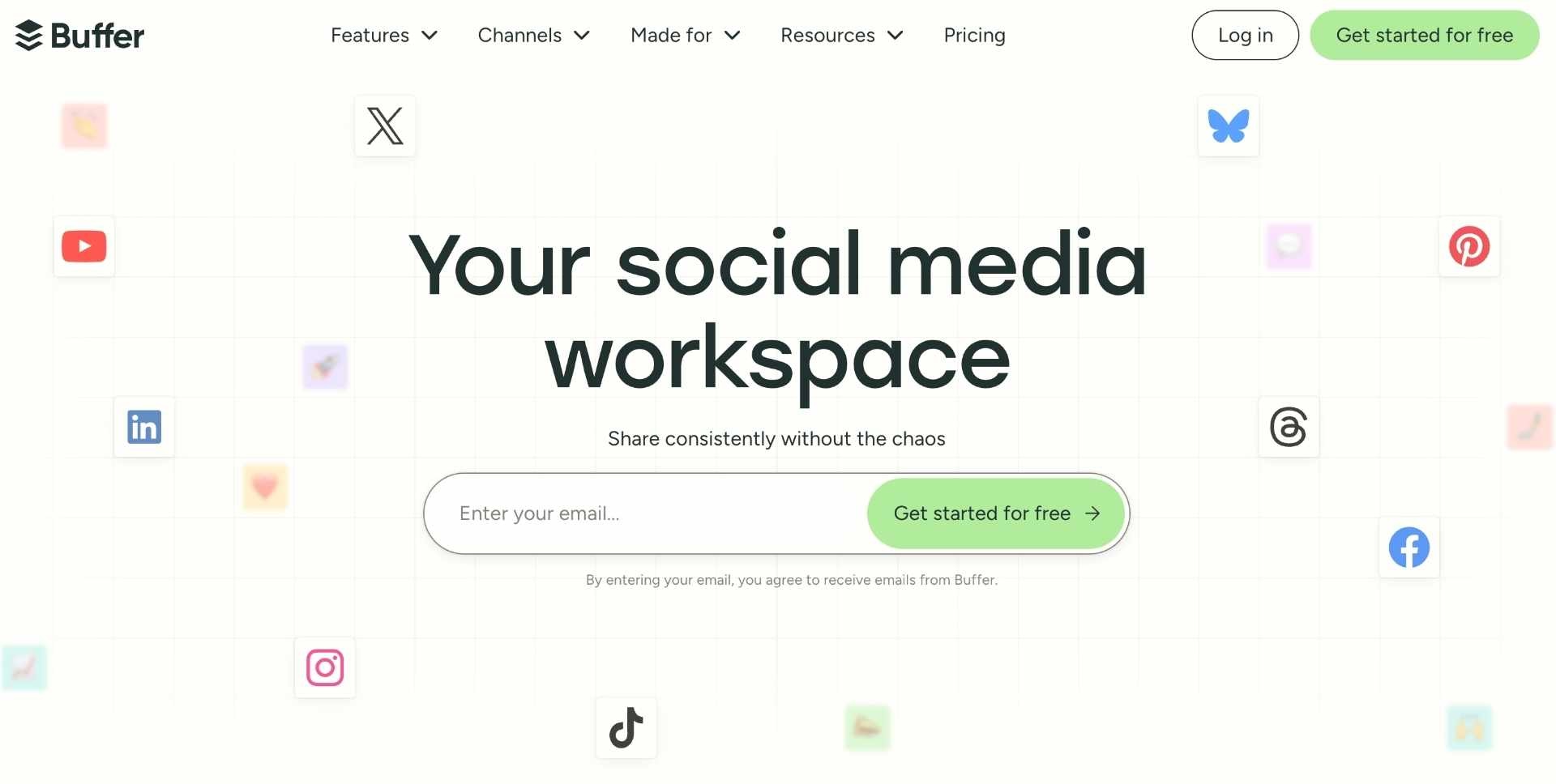
Buffer is a lightweight social media management tool focused on straightforward scheduling, publishing, and basic analytics. It’s popular with D2C teams that want a clean workflow for consistent posting without heavy enterprise complexity.
Key features
- Scheduling & publishing — Fast, simple scheduling across key social channels.
- Content calendar — Keep campaigns organized and avoid gaps in posting cadence.
- Basic analytics — Track performance to understand what content works.
- Team collaboration — Invite teammates and manage permissions on higher plans.
- Link management & tracking workflows — Commonly used to standardize links and UTMs.
Pros
- Very easy to adopt; great UI for daily scheduling.
- Strong value if you don’t need enterprise reporting/listening.
- Fits well into a broader D2C stack as the “publishing layer.”
Cons
- Analytics and governance are more limited than enterprise suites.
- Not the best choice if you need deep inbox + customer-care workflows.
Integrations
- Canva — Create assets quickly and publish them via your scheduling workflow.
- Shopify — Align content and commerce workflows (commonly paired in D2C stacks).
- Zapier — Automate tasks like posting reminders, logging posts, and routing approvals.
- Google Drive — Centralize and reuse creative assets across campaigns.
- Slack — Share publishing updates and collaboration loops with the team.
Pricing
Plans from $0 to $100/month, and Buffer states it offers a 14-day free trial for paid plans (low benchmark).
Reviews
4.3/5.0 on G2
9. Zoho Social
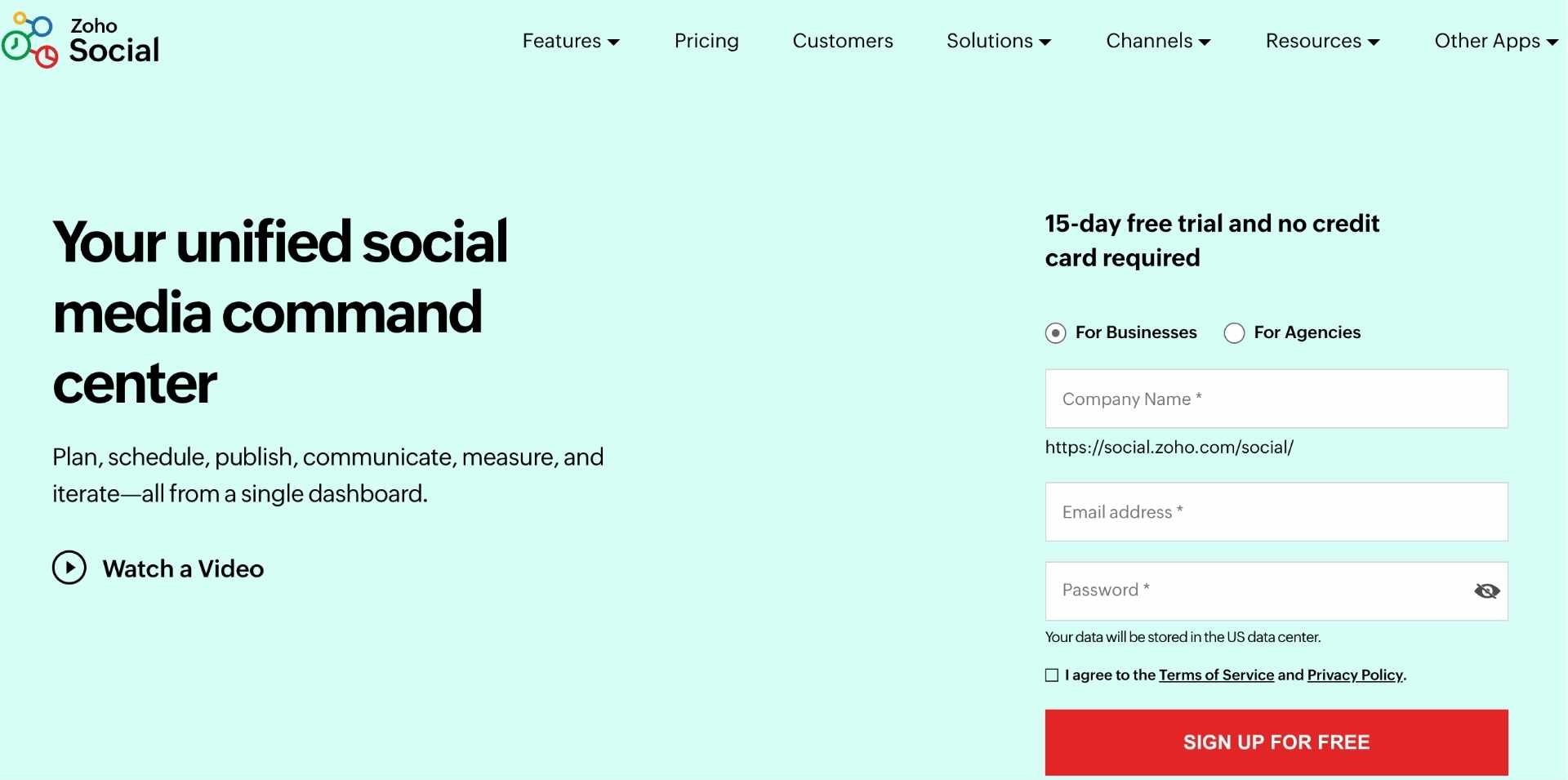
Zoho Social is a social media management platform for scheduling, monitoring, inbox management, and reporting, with a big advantage if your company already uses the Zoho ecosystem. It works well for D2C teams who want structured publishing and reporting with optional CRM-style connectivity.
Key features
- Scheduling & content calendar — Plan and publish across channels with a structured workflow.
- Inbox management — Manage mentions, comments, and messages in one place.
- Reporting dashboards — Create performance reports for weekly/monthly reviews.
- Monitoring — Track keywords/competitors to stay close to the market conversation.
- Team collaboration — Roles/permissions for internal coordination.
Pros
- Very strong value if you already use Zoho products.
- Good breadth for scheduling + monitoring + reporting.
- Scales from small team to agency-style setups.
Cons
- Best experience is often when paired with the Zoho ecosystem (otherwise, you may prefer “best-of-breed” alternatives).
- Some advanced capabilities depend on higher tiers.
Integrations
- Zoho CRM — Connect social activity to customer context and lead workflows.
- Zoho Desk — Route support conversations into helpdesk-style processes.
- Slack — Coordinate publishing and response workflows with internal teams.
- Google Business Profile — Manage scheduling/updates alongside your other channels.
- Canva — Speed up creative production for scheduled content.
Pricing
Plans starting at $10/month billed annually (Standard) and notes an “all-access” 15-day free version/trial (low benchmark).
Reviews
4.6/5.0 on G2
10. Metricool
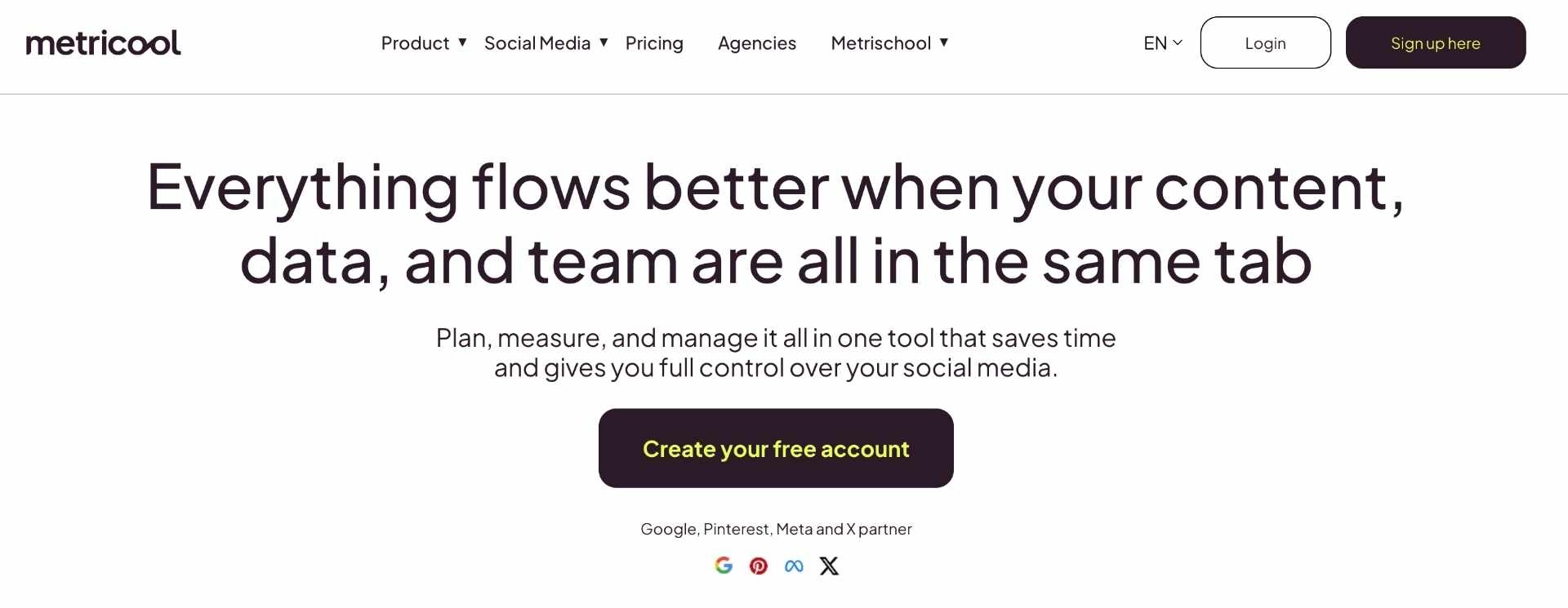
Metricool combines scheduling with strong analytics and reporting, making it popular for teams that want one tool for publishing plus performance insights. It’s often used by ecommerce teams who care about content planning and measuring what’s working across channels.
Key features
- Multi-platform scheduling — Plan and publish across multiple channels from one dashboard.
- Analytics & reporting — Analyze performance and export reports for stakeholders.
- Competitor tracking — Monitor competitors to benchmark content performance.
- Link-in-bio workflows — Support social-to-store paths with smart linking.
- Team/client access workflows — Useful if multiple people need visibility and approvals.
Pros
- Strong analytics/reporting focus at a very competitive price point.
- Good option if you want scheduling + insights without enterprise pricing.
- Works well for teams managing multiple “brands/properties.”
Cons
- Some advanced features are gated behind higher tiers.
- Certain workflows feel more “analytics-first” than “community/inbox-first.”
Integrations
- Canva — Create assets and move them into scheduled content quickly.
- Zapier — Automate workflows (report delivery, notifications, logging, approvals).
- Looker Studio — Connect reporting outputs into dashboards for leadership reviews.
- Google Drive — Keep creatives centralized for your content pipeline.
- Slack — Share alerts and coordination loops with your team.
Pricing
Free ($0), Starter (from $18/month), Advanced (from $45/month), and Custom (from $139/month), and free trial is available (low–mid benchmark depending on tier)
Reviews
4.5/5.0 on G2
Final Thoughts on the Best Social Media Management Software for D2C Brands
Choosing the right social media management software ultimately depends on your D2C brand’s stage, team size, and operational complexity — from lightweight schedulers like Buffer or Later to more advanced platforms like Sprout Social or Hootsuite that support deeper workflows and reporting.
Across all tools, the key differentiators come down to publishing efficiency, collaboration, analytics depth, and how well the platform integrates into your broader ecommerce stack. The best solution is the one that helps your team maintain consistent content output, streamline approvals, and turn organic social into a scalable growth channel rather than a manual process.

.png)


.jpg)