


10 Best Customer Support Software Tools for D2C Brands
Customer expectations around support have never been higher, making customer experience a core growth lever for D2C brands rather than just an operational function.
Recent industry data shows that 91% of customer service leaders say expectations are rising, while 78% of customers expect more personalized support and faster resolution — pushing ecommerce brands to adopt modern, AI-powered customer support software that combines automation, omnichannel messaging, and deep ecommerce integrations (HubSpot, 2024)
For D2C merchants, founders, and operators, choosing the right customer support platform is not just about handling tickets — it plays a critical role in improving retention and increasing customer lifetime value (CLTV) by creating better post-purchase experiences and stronger long-term brand loyalty.
Best Customer Support Software Tools
| TOOL | REVIEWS | BEST FOR | TRIAL INFO | PRICING | ||
|---|---|---|---|---|---|---|
1 |

|
⭐ | Ecommerce customer support | Book Demo | Pricing | Website |
2 |
|
⭐ | Enterprise customer support | Book Demo | Pricing | Website |
3 |

|
⭐ | Ecommerce self-service support | Book Demo | Pricing | Website |
4 |

|
⭐ | Omnichannel customer support | Book Demo | Pricing | Website |
5 |
|
⭐ | Scalable customer support | Book Demo | Pricing | Website |
6 |

|
⭐ | Customer-centric support | Book Demo | Pricing | Website |
7 |

|
⭐ | Collaborative inbox support | Book Demo | Pricing | Website |
8 |
|
⭐ | Ecommerce helpdesk | Book Demo | Pricing | Website |
9 |

|
⭐ | Marketplace customer support | Book Demo | Pricing | Website |
10 |

|
⭐ | Live chat support | Book Demo | Pricing | Website |
1. Gorgias

Gorgias is an ecommerce-first helpdesk that centralizes support across email, live chat, social DMs, and more, while pulling order/customer data into each conversation so agents can resolve issues faster. It’s especially popular with Shopify brands because it’s built around order-related workflows like shipping, returns, and subscription changes.
Key features
- Omnichannel inbox – Manage email, chat, and social DMs in one queue so nothing slips through.
- Ecommerce context in tickets – Auto-surface order status, shipping details, and customer history to speed up resolution.
- Macros & rules automation – Auto-tag, route, and reply to repetitive tickets (WISMO, cancel, address changes).
- AI Agent & suggested replies – Automate common questions and speed up agent writing with AI assistance.
- Revenue & CX reporting – Track support performance and (for many brands) connect support to revenue impact.
Pros
- Ecommerce-native workflows (especially strong for Shopify operators).
- Fast onboarding and lots of D2C-focused playbooks/automations.
- Strong app ecosystem for common D2C stacks.
Cons
- Ticket-based pricing can become expensive as volume grows.
- Some teams want more “enterprise-grade” customization at higher complexity.
Integrations
- Shopify – Pull order/customer data into tickets and resolve order issues faster.
- Klaviyo – Use CX signals (complaints, VIP tags) to personalize retention flows.
- Influencer Hero - Identify if a customer is an influencer within the portal so customers can be turned into advocates / influencers and avoid negative PR
- Recharge – Manage subscription-related tickets with faster access to subscription context.
- Yotpo – Connect reviews/UGC context to support workflows and post-purchase experience.
- Attentive – Support SMS conversations and coordinate messaging with support outcomes.
Pricing
Ticket-based pricing with plans starting from $10/month (50 tickets), then scaling to from $50/month (300 tickets), from $300/month (2,000 tickets), and from $750/month (5,000 tickets); Enterprise is custom.
Benchmark: mid → high (can rise quickly with ticket volume).
Reviews
4.6/5.0 on G2
2. Kustomer
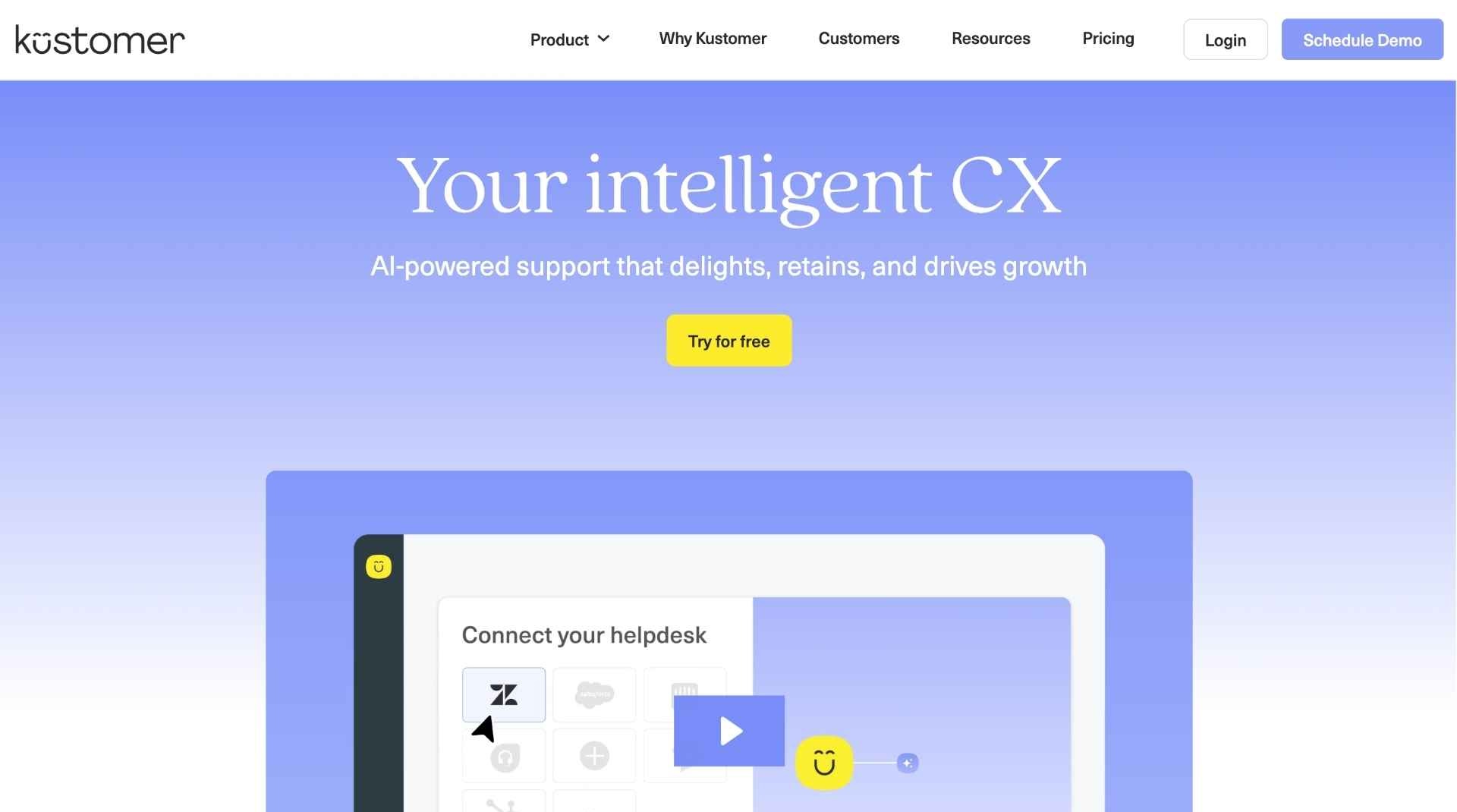
Kustomer is a customer service CRM designed to unify support channels with a customer timeline view (orders + interactions + conversations) and powerful routing/workflows. It’s commonly used by larger brands that need deeper orchestration across teams, channels, and systems.
Key features
- Customer timeline (CRM-style view) – Combine conversations with customer context for higher-quality resolutions.
- Omnichannel messaging – Support across chat, email, SMS, social, and voice depending on setup.
- Advanced routing & queues – Route by intent, priority, language, VIP status, or issue type.
- Workflow automation – Build rules and automations to reduce manual work.
- Reporting & QA tooling – Monitor performance and coach teams at scale.
Pros
- Strong for complex operations (multi-brand, high volume, multiple support teams).
- CRM-style approach helps deliver more personalized support.
- Flexible workflows for mature CX orgs.
Cons
- Typically heavier implementation than Shopify-native tools.
- Pricing is per-seat and tends to fit mid-market/enterprise budgets.
Integrations
- Shopify – Sync customer/order data to help agents solve ecommerce issues faster.
- Salesforce – Align support with CRM records and handoffs across service/sales teams.
- Twilio – Add SMS/voice capabilities and manage those conversations in one platform.
- Slack – Escalate and collaborate on tickets faster with internal notifications/workflows.
- Zapier – Connect Kustomer to other D2C tools without engineering work.
Pricing
Per-seat pricing shown as $89 per seat/month (Enterprise) and $139 per seat/month (Ultimate) with a minimum of 8 seats, paid annually.
Benchmark: high.
Reviews
4.5/5.0 on G2
3. Richpanel

Richpanel is built for ecommerce support with a heavy focus on self-service (returns, order edits, WISMO) to deflect tickets and keep agents focused on complex cases. Many Shopify brands use it either as a helpdesk or as a self-service layer on top of an existing helpdesk.
Key features
- Self-service portal – Let customers resolve common issues without creating tickets.
- Order flows – Guided flows for returns, exchanges, order edits, cancellations, and shipping questions.
- Omnichannel support – Handle conversations across key channels from one workspace.
- Automation & routing – Reduce manual triage and speed up resolution.
- Multi-store / multi-brand support – Useful for brand groups or multiple storefronts.
Pros
- Strong ticket deflection for D2C (often reduces WISMO and returns workload).
- Built around ecommerce actions (not generic IT ticketing).
- Can be cost-effective depending on order volume.
Cons
- Some teams prefer more “classic helpdesk” depth (advanced ticketing/reporting) depending on setup.
- If you’re already deep in another helpdesk, you’ll want to design the handoff cleanly.
Integrations
- Shopify – Power self-service flows using real order data.
- Zendesk – Add Richpanel self-service while agents continue responding in Zendesk.
- Gorgias – Pair Richpanel flows with Gorgias for ticket handling.
- Recharge – Handle subscription-related support in self-service workflows.
- Loop Returns – Streamline returns/exchanges and capture structured return reasons.
Pricing
Richpanel lists a Free tier ($0/month billed annually, up to 50 orders/month) plus paid plans like Starter ($50/month billed monthly / $42/month billed annually) and Pro ($600/month billed monthly / $500/month billed annually), with a free trial option.
Benchmark: low → mid.
Reviews
4.7/5.0 on G2
4. Zendesk
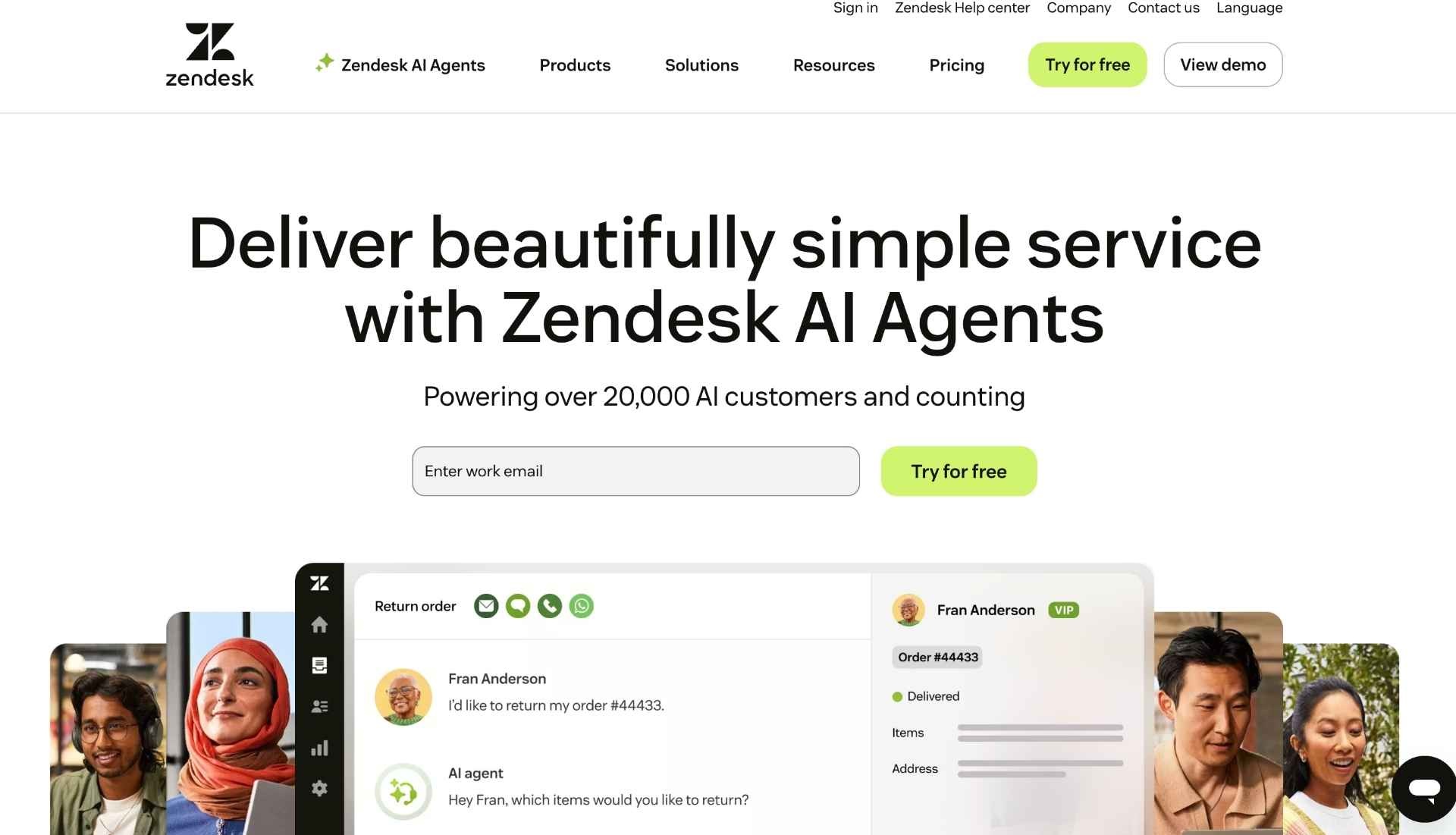
Zendesk is a widely used customer service platform that supports ticketing, help center, messaging, chat, and voice with deep workflow customization. D2C brands typically choose Zendesk when support operations become more complex (multiple teams, global coverage, advanced reporting, strict processes).
Key features
- Ticketing + omnichannel routing – Centralize channels and route intelligently.
- Help center & self-service – Knowledge base to deflect repetitive questions.
- Automation & triggers – Build robust workflows for triage, escalations, and SLAs.
- AI & agent assist – Speed up replies, summarize conversations, and automate parts of workflows.
- Enterprise controls – Roles, permissions, compliance/security features.
Pros
- Extremely customizable for mature support orgs.
- Great for multi-team workflows and complex routing.
- Large integration ecosystem.
Cons
- Can get expensive with add-ons and larger teams.
- Usually needs more setup/administration than D2C-native tools.
Integrations
- Shopify – Give agents order context to resolve ecommerce issues faster.
- Meta (Facebook/Instagram) – Manage DMs/comments as tickets in one queue.
- WhatsApp – Support customers on WhatsApp with structured workflows.
- Influencer Hero - Identify if a customer is an influencer within the portal so customers can be turned into advocates / influencers and avoid negative PR
- Slack – Collaborate and escalate internally without leaving the workflow.
- Salesforce – Sync CRM data and coordinate cross-team customer handoffs.
Pricing
Zendesk lists plans starting from $19/agent/month (annual) and also shows higher bundles like Suite + Copilot Professional ($155/agent/month annual) and Suite + Copilot Enterprise ($209/agent/month annual); it also advertises “Try for free” on the pricing page.
Benchmark: mid → high.
Reviews
4.3/5.0 on G2
5. Freshdesk
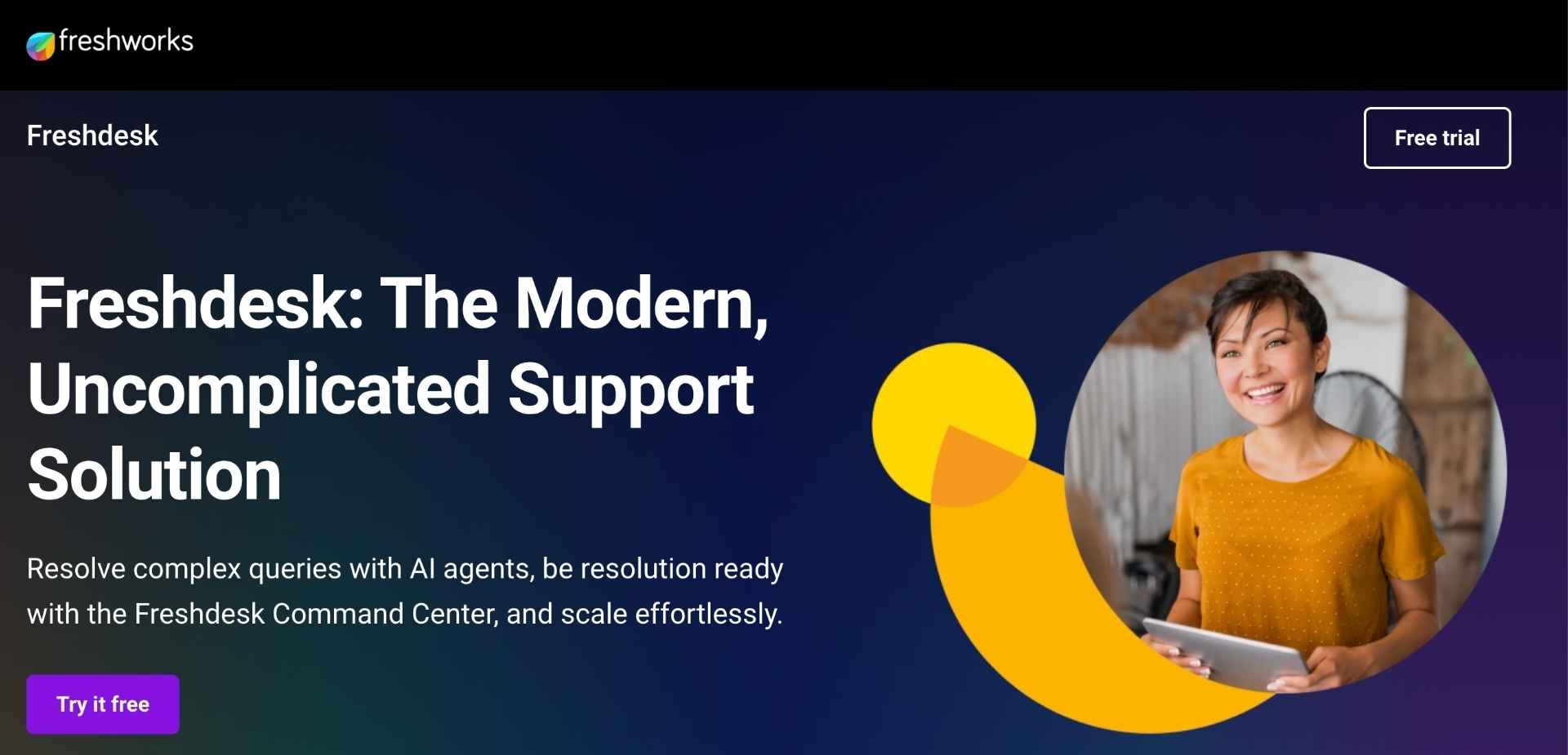
Freshdesk (part of Freshworks) is a modern helpdesk that provides omnichannel ticketing, automation, self-service, and AI capabilities in a platform that’s generally easier to deploy than more enterprise-heavy suites. It’s a common choice for D2C brands that want strong functionality without Zendesk-level complexity.
Key features
- Ticketing + shared inbox – Keep support organized across channels and teams.
- Knowledge base & customer portal – Reduce tickets with self-serve answers.
- Automations (rules, SLAs, routing) – Standardize triage and improve response times.
- AI agent + AI copilot options – Automate common issues and assist agents while replying.
- Reporting & dashboards – Track volume, responsiveness, and team performance.
Pros
- Strong value for money for many mid-sized teams.
- Quick to set up and easy for new agents to learn.
- Good built-in features (automation + knowledge base) out of the box.
Cons
- Some teams find advanced analytics/custom reporting less flexible than enterprise alternatives.
- Depending on channels/AI needs, costs can rise with add-ons.
Integrations
- Shopify – Connect order/customer info to tickets for faster ecommerce resolutions.
- WhatsApp – Support customers on WhatsApp within your helpdesk workflow.
- Meta (Facebook/Instagram) – Turn DMs/messages into trackable support conversations.
- Slack – Notify teams and coordinate escalations quickly.
- Zapier – Connect to D2C tools (email, ops, spreadsheets, alerts) without engineering.
Pricing
Freshdesk lists Growth ($19/agent/month billed annually), Pro ($55/agent/month billed annually), and Enterprise ($89/agent/month billed annually), plus a free program noted as $0 for 1–2 agents for 6 months and a 14-day trial.
Benchmark: low → mid.
Reviews
4.5/5.0 on G2


6. Gladly
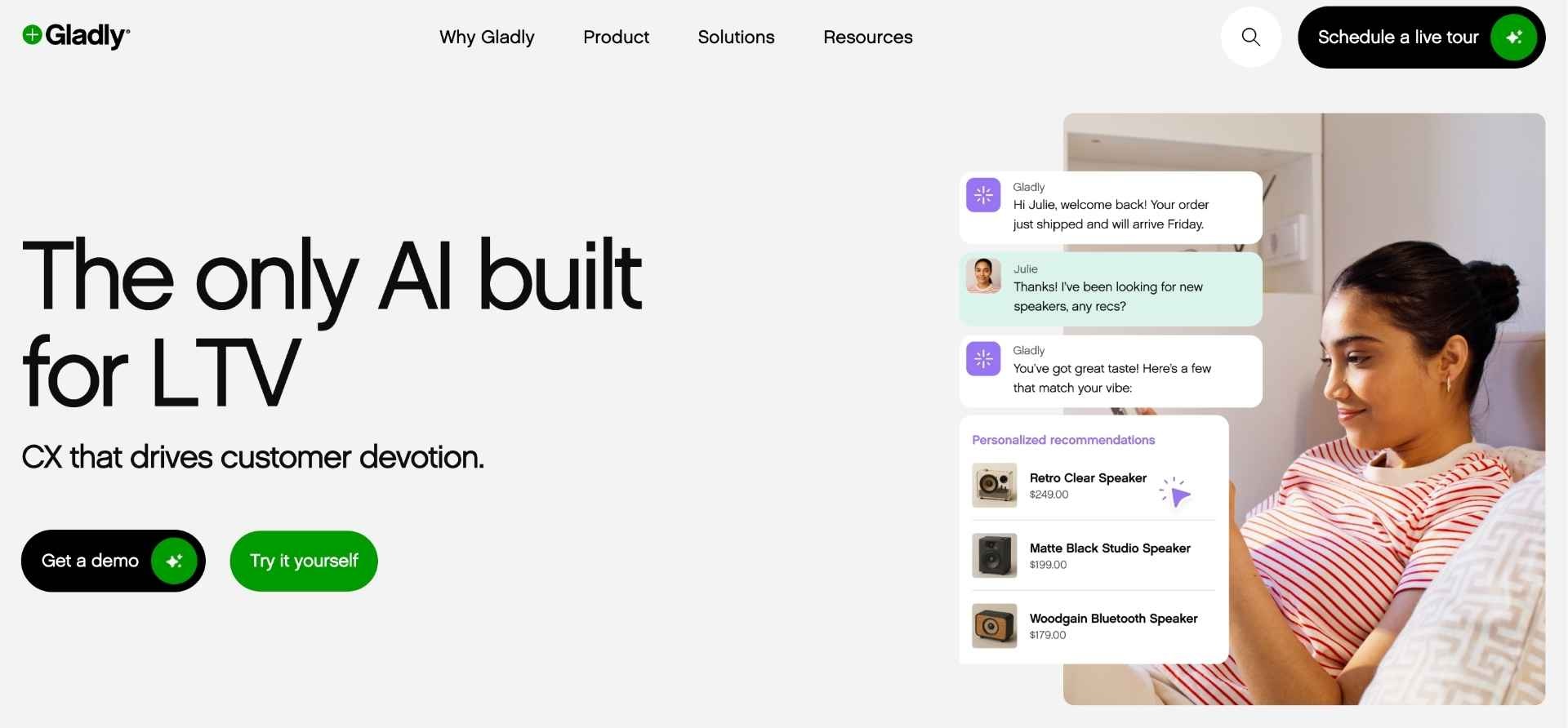
Gladly is a customer service platform built around a “customer-first” model rather than ticket-based workflows, meaning every conversation across channels is unified into one continuous customer history. It is mainly used by larger consumer brands that want highly personalized support and strong omnichannel consistency.
Key features
- Customer-centered timeline – View all customer interactions in one continuous thread instead of separate tickets.
- Omnichannel conversations – Manage voice, chat, email, SMS, and social messaging from one workspace.
- Task management – Assign follow-ups internally so no customer request gets lost.
- AI assistance & agent support – Help agents reply faster and improve tone consistency.
- Built-in voice support – Handle phone conversations directly inside the same platform.
Pros
- Very strong for brands focused on premium customer experience.
- Reduces context switching by combining conversations into one timeline.
- Especially good for high-touch D2C support teams.
Cons
- Pricing is not publicly transparent (sales-led process).
- Often better suited for more mature CX teams with higher budgets.
Integrations
- Shopify – Surface order and customer data directly inside conversations.
- Klaviyo – Use customer support insights to personalize retention campaigns.
- Salesforce – Sync CRM data for unified customer profiles.
- Slack – Collaborate internally and escalate issues faster.
- Aircall – Add cloud voice support into the customer timeline.
Pricing
Gladly does not publicly list pricing; brands must request a demo and receive custom quotes.
Benchmark: high (enterprise-leaning).
Reviews
4.7/5.0 on G2
7. Front
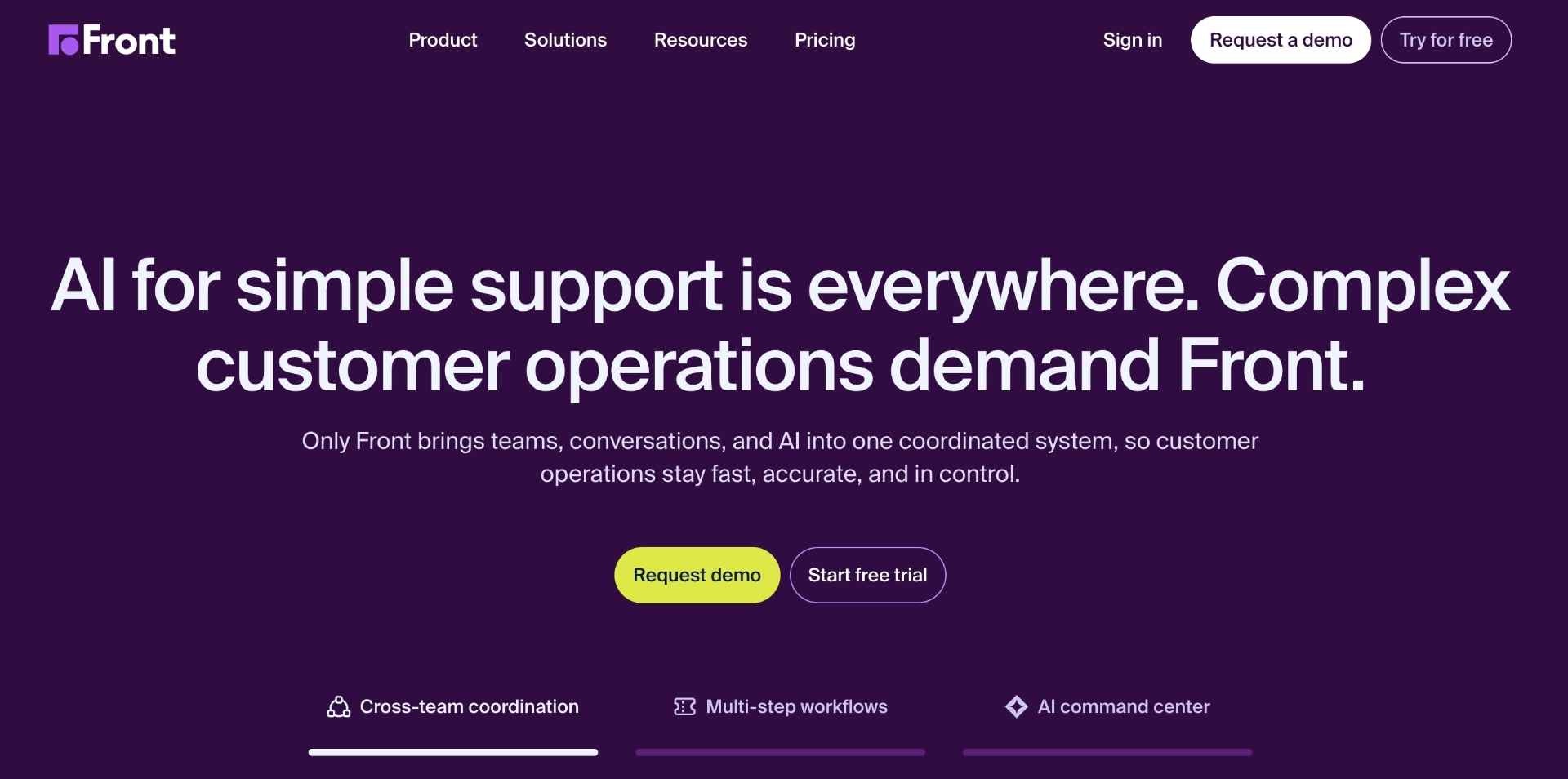
Front blends email-style collaboration with helpdesk functionality, making it popular with teams that want structured support without fully moving away from inbox-style workflows. It centralizes communication channels while allowing internal comments, ownership, and collaboration.
Key features
- Shared inbox – Combine team emails, chat, and messaging channels in one place.
- Internal comments – Collaborate privately without forwarding emails.
- Rules & automation – Automatically assign, tag, and prioritize conversations.
- Analytics dashboards – Track team performance and response times.
- AI assistance – Suggest replies and improve workflow efficiency.
Pros
- Very easy to adopt for teams used to email workflows.
- Strong internal collaboration experience.
- Clean, modern interface.
Cons
- Not as ecommerce-native as Shopify-first tools.
- Some advanced CX workflows require additional setup.
Integrations
- Shopify – View order context while replying to customers.
- Slack – Push conversations into internal team discussions quickly.
- Salesforce – Sync conversations with CRM records.
- Aircall – Handle calls directly from Front workflows.
- Stripe – See payment-related data when handling billing issues.
Pricing
Front pricing starts around $25/user/month with higher tiers for automation and advanced workflows.
Benchmark: mid.
Reviews
4.7/5.0 on G2
8. Re:amaze
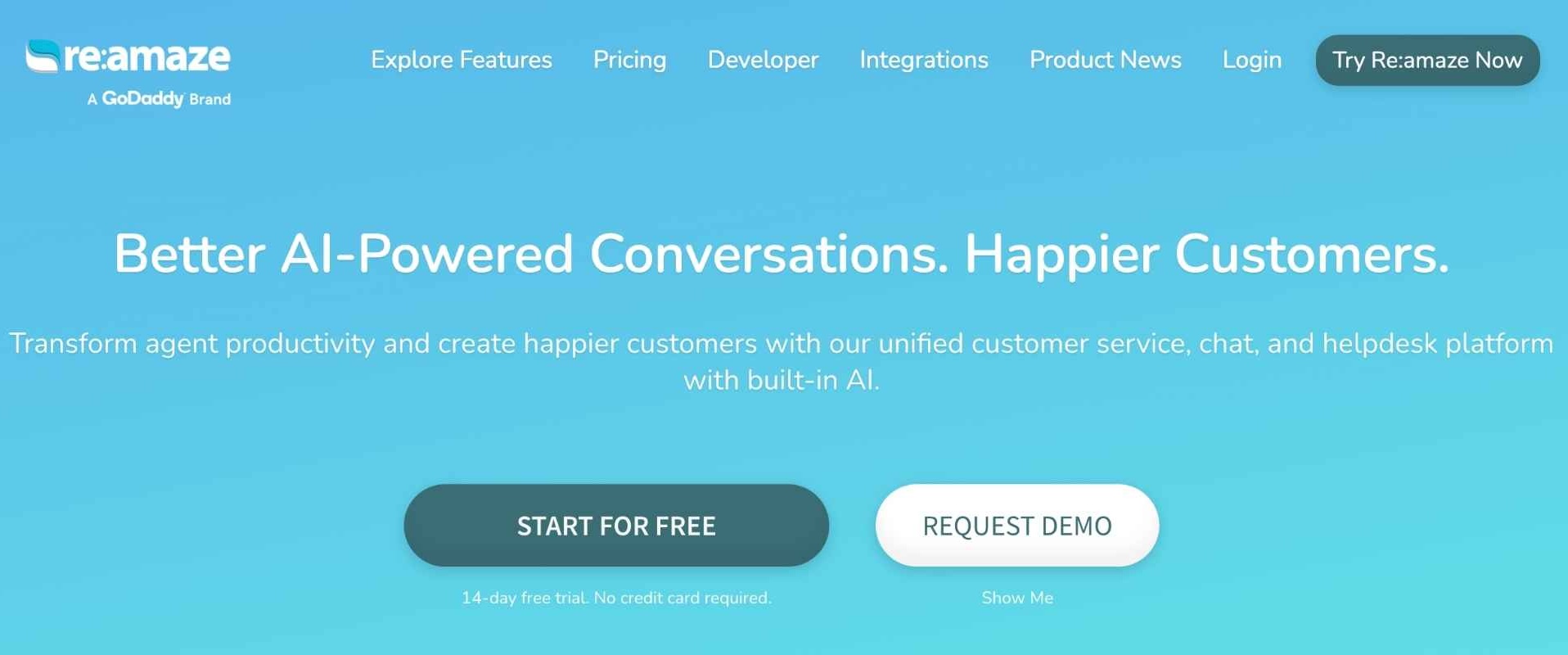
Re:amaze is an ecommerce-focused helpdesk designed for smaller to mid-sized online brands, combining live chat, email, social messaging, and FAQ management in a single platform. It’s often chosen by D2C teams looking for affordability and solid multi-channel support.
Key features
- Unified inbox – Manage multiple support channels in one workspace.
- Live chat + chatbot – Engage customers in real-time and automate common answers.
- FAQ & knowledge base – Reduce repetitive tickets through self-service.
- Multi-brand support – Manage several stores under one account.
- Automation rules – Route and tag tickets automatically.
Pros
- Strong value for money compared to larger enterprise tools.
- Ecommerce-friendly setup and features.
- Easy to configure for smaller teams.
Cons
- Search functionality is sometimes criticized in user reviews.
- Less enterprise-level reporting vs larger platforms.
Integrations
- Shopify – Pull customer orders directly into conversations.
- WooCommerce – Manage ecommerce support inside the helpdesk.
- Klaviyo – Use support interactions to inform lifecycle campaigns.
- Stripe – View payments when resolving billing issues.
- Slack – Internal escalation and collaboration.
Pricing
Plans start at $29 per team member/month (Basic), with higher tiers around $49 and $69 per user/month, and a free trial available.
Benchmark: low → mid.
Reviews
4.6/5.0 on G2
9. eDesk

eDesk is built specifically for ecommerce brands and marketplaces, helping support teams manage messages from marketplaces, webstores, and social channels in one centralized helpdesk. It’s particularly strong for brands selling across multiple channels (Amazon, eBay, Shopify).
Key features
- Marketplace-focused inbox – Centralize Amazon, eBay, and webshop support conversations.
- AI agent automation – Automate repetitive responses and reduce handling time.
- Order context inside tickets – View order details without leaving the helpdesk.
- Automation rules – Speed up routing and tagging.
- Real-time reporting – Monitor team performance and support efficiency.
Pros
- Very strong for omnichannel ecommerce (marketplaces + D2C).
- AI features focused on reducing support workload.
- Easy to manage multiple sales channels.
Cons
- Smaller ecosystem compared to big enterprise platforms.
- Some workflows may require onboarding time.
Integrations
- Amazon Marketplace – Manage buyer messages and support centrally.
- Shopify – Pull orders directly into tickets.
- eBay – Handle marketplace inquiries without switching platforms.
- WooCommerce – Centralize customer support across storefronts.
- Google Business Messages – Reply to customer questions from search.
Pricing
eDesk pricing is typically user-based and structured for ecommerce teams; plans vary depending on channels and AI usage.
Benchmark: mid.
Reviews
4.5/5.0 on G2
10. Tidio
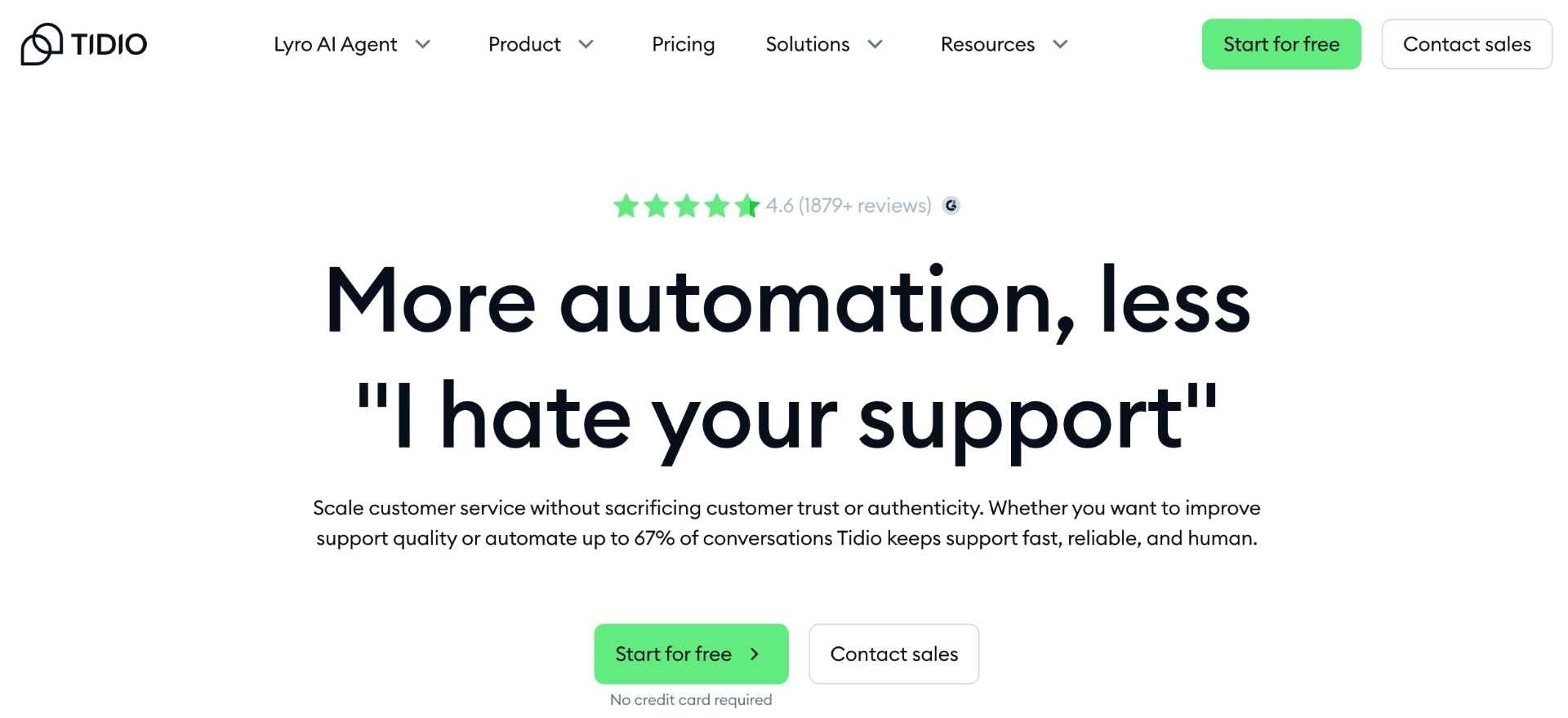
Tidio combines live chat, chatbot automation, and helpdesk tools into an AI-first support platform aimed at small and mid-sized ecommerce brands. It’s popular with D2C brands that want fast deployment and automation-heavy support with minimal technical setup.
Key features
- Live chat widget – Engage customers instantly on-site.
- AI chatbot (Lyro) – Automate replies to common questions using your knowledge base.
- Email + messaging inbox – Manage conversations across multiple channels.
- Automation flows – Build chatbot logic without coding.
- Lead capture & engagement tools – Convert visitors while supporting them.
Pros
- Very easy to set up and launch quickly.
- Strong entry-level AI automation.
- Attractive for smaller or growing D2C brands.
Cons
- Advanced automation locked behind higher pricing tiers.
- Less robust for complex enterprise workflows.
Integrations
- Shopify – Show cart and order info during customer chats.
- Instagram – Automate replies to DMs and comments.
- Messenger – Manage Facebook conversations through chatbot flows.
- Klaviyo – Sync customer data for marketing workflows.
- Zapier – Connect Tidio with hundreds of other D2C tools.
Pricing
Tidio offers a Free plan and paid tiers starting from low monthly pricing, with upgrades based on automation, AI usage, and features.
Benchmark: low.
Reviews
4.6/5.0 on G2
Final Thoughts on 10 Best Customer Support Software Tools for D2C Brands
Choosing the right customer support software is a key decision for D2C brands, as the best platforms go beyond ticket handling and directly impact customer retention, operational efficiency, and long-term CLTV. While tools like Gorgias, Richpanel, and Re stand out for ecommerce-native workflows, platforms such as Zendesk, Kustomer, and Gladly offer deeper customization and scalability for more complex support operations. Ultimately, the right choice depends on your brand’s stage, support volume, automation needs, and how tightly you want customer service to integrate with your wider D2C tech stack.

.png)


.jpg)