

Audiense Pricing and Review: Features, Pros, Cons & Costs
Audiense puts a price on one half of its platform and not the other. The tracking side is published down to the cent. The audience research side has no public figure at all.
That split is the first thing to understand before you book a call. Tracking runs from $225 to $3,000 a month and the plans sit openly on the site. The research product, which is the part that helps you understand who follows your brand, is sold by quote only.
This review covers the four published plans, the order limits and overage rates behind them, the add-ons that quietly raise the bill, and what you are actually buying on the quote-only side.
Audiense Overview
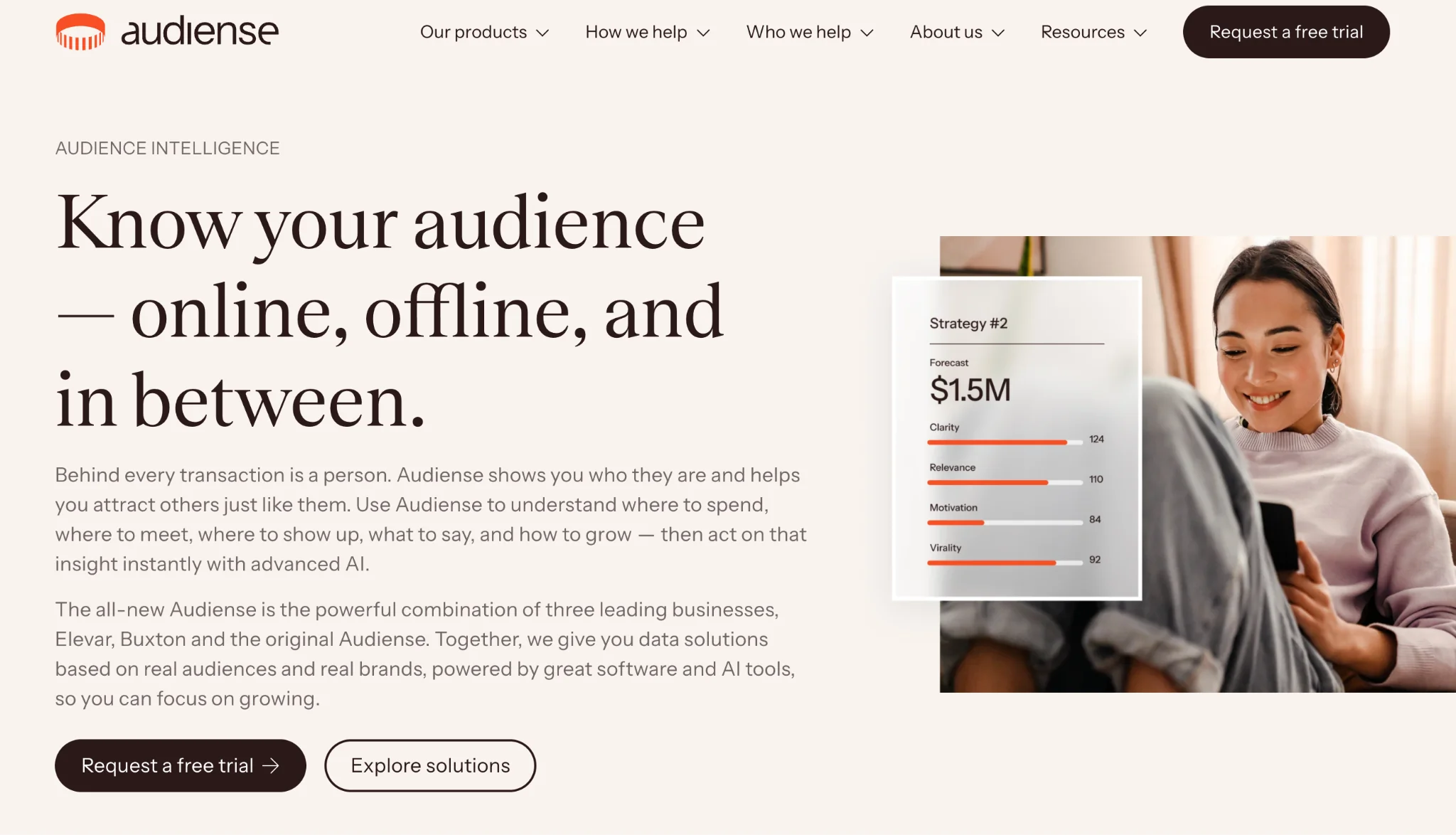
Audiense today is three companies under one name. It brings together Elevar, Buxton and the original Audiense business, and the product line still shows the seams.
Five products sit under the brand. Audiense Online is server-side conversion tracking and it is Elevar under a new label. Audiense Discover is audience research, and it now holds the old Insights, Demand and Soprism tools. Audiense In-Person handles location and catchment planning, which comes from Buxton. Audiense Action plans campaigns with AI, and Audiense Data Services hands the raw data over through APIs.
For a D2C brand, two of those matter. Online tells you which ad actually drove the order. Discover tells you who your buyers are and which accounts they follow. Discover draws on 5.5 billion social accounts across Google, YouTube, TikTok, Instagram, X and LinkedIn, and it ships with 145 ready-made consumer segments.
Who Should Use Audiense
The fit depends less on your team size and more on which half of the product you need:
- Shopify and Shopify Plus brands: The tracking app is a certified Shopify app and installs without a developer.
- Brands on WooCommerce, BigCommerce or Adobe Commerce: Supported, but only through the API framework that unlocks on the $1,250 plan.
- Teams with heavy paid spend: Recovered conversions feed straight back into Meta and Google, so the tracking pays for itself faster at scale.
- Marketing teams doing audience research: Discover answers who your buyers are and what else they care about, in days rather than weeks.
- Agencies preparing pitches: Reports come out client-ready, which is the most common praise in user reviews.
- Retail brands with physical stores: In-Person adds location strategy that pure social tools do not touch.
- Brands under 500 orders a month: This is the group it does not suit. At that volume $225 a month is a lot to pay for tracking.
Key Features
Server-Side Conversion Tracking
Orders are sent to your ad platforms from the server rather than the browser. Ad blockers and privacy settings cannot strip them out, so the conversions your pixel loses come back. For most brands this is the whole reason to buy the product.
Identity Resolution and Session Enrichment
Sessions are stitched to customers for up to a year. That means a visitor who comes back three months later is still tied to the ad that first found them. Long consideration cycles are where pixel-only setups fall apart.
Fifty-Plus Marketing Destinations
Data can be pushed to more than fifty tools, with 35 of them server side. Meta, Google Ads, GA4, Klaviyo, Attentive, Postscript and Sendlane are all named. Your plan caps how many you can use at once, which matters more than the total.
Audience Research Across Six Networks
Discover analyses audiences on Google, YouTube, TikTok, Instagram, X and LinkedIn. It works from 5.5 billion social accounts, so a niche audience still returns enough signal to act on. Treat the output as a brief rather than a shortlist, because influencer discovery tools are what turn that brief into named creators you can contact.
145 Ready-Made Consumer Segments
You do not have to build every audience from scratch. The platform ships with 145 prebuilt consumer segments you can compare your own customers against. It is the fastest route from a blank screen to a usable brief.
Your Own Data, Uploaded
CRM exports and web traffic can be loaded in and profiled alongside social data. That turns a list of emails into a picture of what those people actually follow and buy.
Live Hashtag and Keyword Tracking
Hashtags, keywords, sentiment, engagement and influential accounts are tracked in near real time. It is closer to listening than to a creator database, and it is useful for spotting which accounts your audience already talks about. One published customer story cites using it to check whether a niche influencer was the right fit.
Location and Catchment Planning
In-Person adds store, site and catchment analysis from the Buxton side of the business. If you sell in physical retail as well as online, it is the piece that connects the two.
Audiense Pricing
Only Audiense Online carries a public price list. Four plans are published, each capped by monthly orders and by how many destinations you can send data to. Go over the order cap and you pay per order.
Core Plan
$225 per month. The plan includes:
- Up to 2,000 orders a month
- Up to 2 destinations
- Server-side tracking and the data layer
- Identity resolution and session enrichment
- Privacy tools, monitoring and alerts
- Shopify and Shopify Plus support
- A 15-day free trial
Advanced Plan
$650 per month. The plan adds:
- Up to 10,000 orders a month
- Up to 4 destinations
- Profit optimisation
- A lower overage rate of $0.15 per order
Premium Plan
$1,250 per month. The plan adds:
- Up to 30,000 orders a month
- Up to 10 destinations
- API framework access for non-Shopify platforms
- Global multi-storefront support
- Priority support
Elite Plan
From $3,000 per month. The tier adds:
- Up to 75,000 orders a month
- Up to 25 destinations
- Predicted lifetime value and comeback scoring
- The lowest overage rate at $0.04 per order
Add-On Costs
Four add-ons sit outside the plan price and they are easy to miss:
- Extra destinations at $125 a month each
- Expert installation at $1,000 one off
- Headless or API installation at $4,500 one off
- Analyst services at $500 or $1,000 a month
Where the Break-Evens Sit
Every plan step has a point where the cheaper plan stops being cheaper. The numbers are easy to work out and worth doing before you buy.
Core to Advanced costs $425 more a month. Core charges $0.50 for each order past 2,000, so 850 extra orders wipe out the gap. At roughly 2,850 orders a month the two plans cost the same, and above that Advanced is cheaper.
Advanced to Premium costs $600 more. At $0.15 per extra order, 4,000 orders match it. So at about 14,000 orders a month both plans land on $1,250.
Premium to Elite costs $1,750 more. At $0.10 per extra order that is 17,500 orders, which puts the crossover near 47,500 orders a month.
The Destination Trap
Destinations follow their own logic and this is where brands overspend. Core includes two, and each extra one costs $125 a month. Add two and you are paying $475 while still capped at 2,000 orders. Advanced costs $650, includes four destinations and lifts you to 10,000 orders. If you need a third destination, price the next plan before you buy the add-on.
What Is Not Priced
Discover, In-Person, Action and Data Services carry no public figures. The pricing page for the company as a whole does not resolve, and the route in is a free trial request. Older listings on review sites still show a $696 a month figure, but that describes a retired product and should not be used to budget. If audience research is the reason you are looking, you cannot cost it without a sales call.
Audiense Reviews
4.5/5.0 (G2, 247 reviews) for Audiense. That is a solid score on a sample large enough to trust.
4.7/5.0 (Shopify App Store, 168 reviews) for the tracking app, with 89% of reviewers giving five stars. The two products are reviewed separately, which is useful, because the feedback is different.
Reviewers praise the depth of the audience data, the time it saves and how quickly reports can go in front of a client. The complaints are consistent too. The platform leans heavily on X data, there is a learning curve on the research side, public social data is not always accurate at the individual level, and navigation takes a while to learn. A few reviewers want more integrations than the plan caps allow.
One warning for anyone researching this. Review sites still carry listings for retired Audiense products under old names, complete with old prices. Check the date on anything you find.
Integrations
The connection surface is wide on the tracking side and thin everywhere else:
- Shopify: A certified app that installs without developer work, covering Shopify and Shopify Plus.
- Meta: Server-side conversion data sent back to Meta so ad reporting reflects real orders.
- Google Ads and GA4: The same order data feeds Google bidding and your analytics reports.
- Klaviyo: Enriched customer and order data flows into email flows and segments.
- Attentive, Postscript and Sendlane: The named SMS and messaging destinations.
WooCommerce, BigCommerce, Adobe Commerce and custom builds are supported through the API framework, but that only unlocks on the $1,250 plan. The research side publishes no integration directory at all, so plan to export rather than connect.
Pros of Audiense
Research Depth That Is Hard to Match
5.5 billion social accounts, six networks and 145 prebuilt segments is a serious data set. You can profile a customer list and see what else those people follow without running a single survey. Very few tools in this price range go that deep.
Tracking and Insight From One Vendor
Most brands buy attribution from one company and audience research from another. Having both under one contract removes a handover, and the order data on one side can inform the research on the other.
Reports People Actually Read
The most repeated praise in reviews is speed to a finished, presentable report. For an in-house team defending a budget, or an agency pitching, that saves real days. It is a soft benefit that shows up in almost every review.
Cons of Audiense
Half the Product Has No Price
This is the biggest problem for a buyer. Tracking is published to the cent, and the research product you may actually want is quote only. You cannot compare it against anything without booking a call, and the old figures floating around online describe products that no longer exist.
Destination Caps Push You Up a Plan
Two destinations on the entry plan is tight for a brand running Meta, Google, email and SMS. Extra destinations cost $125 a month each, so the caps are effectively a second meter running alongside your order count. The bill grows in two directions at once.
Not an Influencer Marketing Platform
You can profile an audience and see which accounts it follows. You cannot contact a creator, agree a brief, issue a discount code, track the sale or pay anybody. There is no creator CRM and no fake-follower screening, so anything past the research stage needs another tool and separate campaign reporting and analytics.
Setup Is Not a Weekend Job
Server-side tracking is fiddly by nature. Paid installation starts at $1,000 and reaches $4,500 for headless or API builds, which tells you how often teams need help. Add the learning curve reviewers report on the research side and the first month is mostly implementation.


Is Audiense Worth It?
For attribution, yes, and the maths is easy to run. If you spend meaningfully on Meta and Google, recovered conversions usually cover $225 a month quickly. The published plans, the per-order overage rates and the 15-day trial make it one of the few tools in this space you can budget properly before you commit.
For influencer work, it is a starting point rather than a system. Research tells you who your buyers are and which accounts they trust, which is genuinely useful. It does not find creators at scale, screen them, contact them, track their sales or pay them. Add the quote-only pricing on that half of the product and it becomes hard to justify as your creator platform.
Brands weighing audience research against a full creator programme usually compare the following:
- Influencer Hero: Indexes over 450 million creators across Instagram, TikTok and YouTube with 20-plus filters and fake follower screening, then carries outreach, influencer CRM, gifting, affiliate codes and creator payouts at 0.1% to 0.4% in the same platform, at published prices.
- Afluencer: Works the other way round, with creators applying to your listings, which suits brands that need supply rather than research, as its rundown of AI influencer marketing tools explains. Plans start at $49 a month.
- Modash: Indexes every creator above 1,000 followers on three networks with audience credibility checks. For brands whose gap is finding creators rather than profiling customers, it is the closer fit.
- Brandwatch: Consumer research and social listening at enterprise scale, with a large historical archive. If your research budget sits with an insights team rather than marketing, it is worth the call.
- Sprout Social: Combines publishing, listening and reporting in one suite. For a team that wants social management and audience insight from a single seat, it makes more sense.
Final Thoughts
Audiense does two jobs that most brands buy separately. It recovers the conversion data your ads lose, and it tells you who your customers really are. The catch is that only the first job has a price on it, so half of your budget question stays open until a sales call. Check your monthly order count and how many destinations you need to feed before anything else, because those two numbers decide almost the whole bill. If creator work is what you are really trying to solve, the Audiense alternatives built for that job will get you there with a price you can read up front.

.png)


.jpg)